

Ask questions, get answers, and take action without leaving the page
The AI agent understands your portfolio in full context. Ask it anything, and when you need to act on what you find, it can do the work for you with your approval.
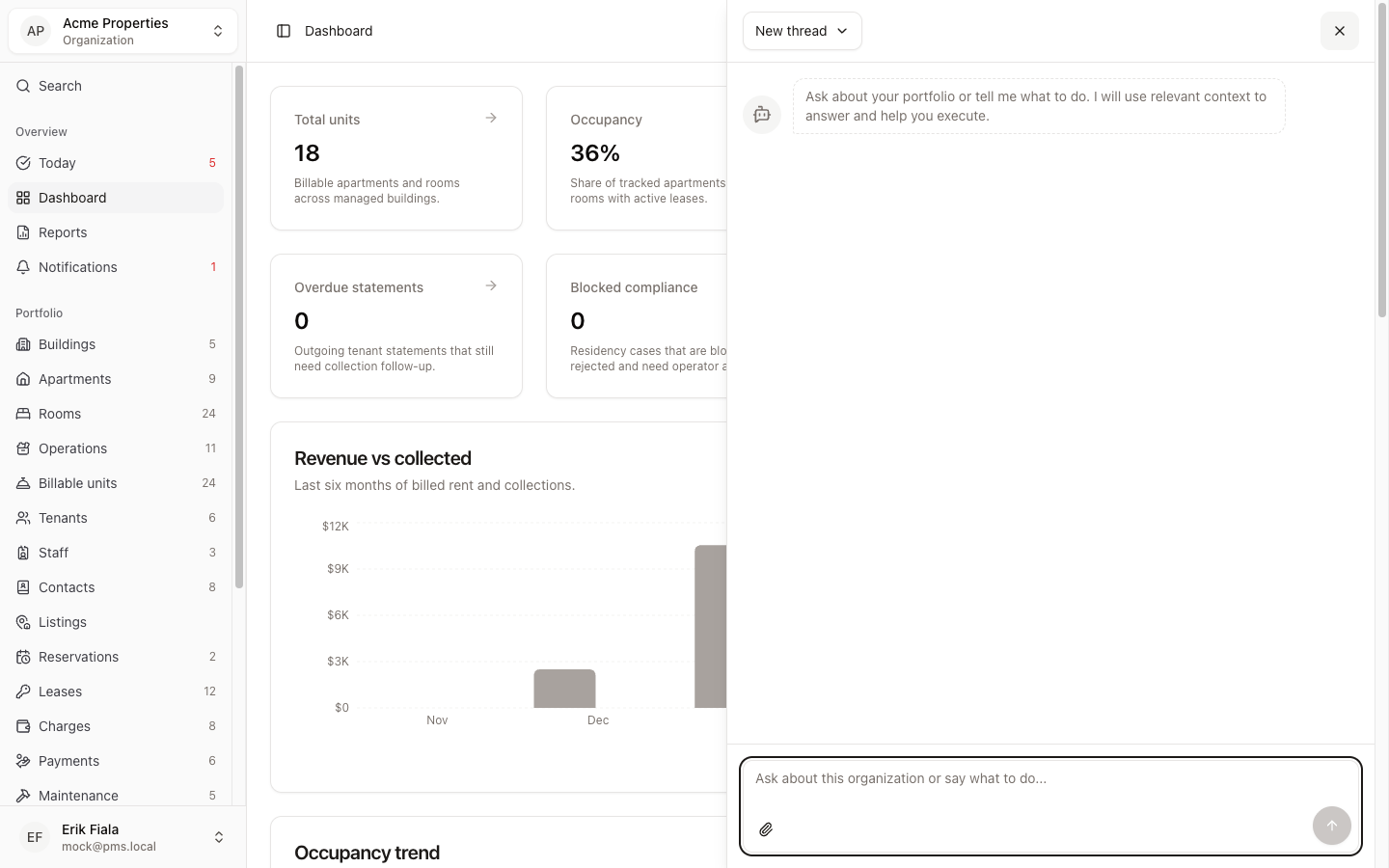
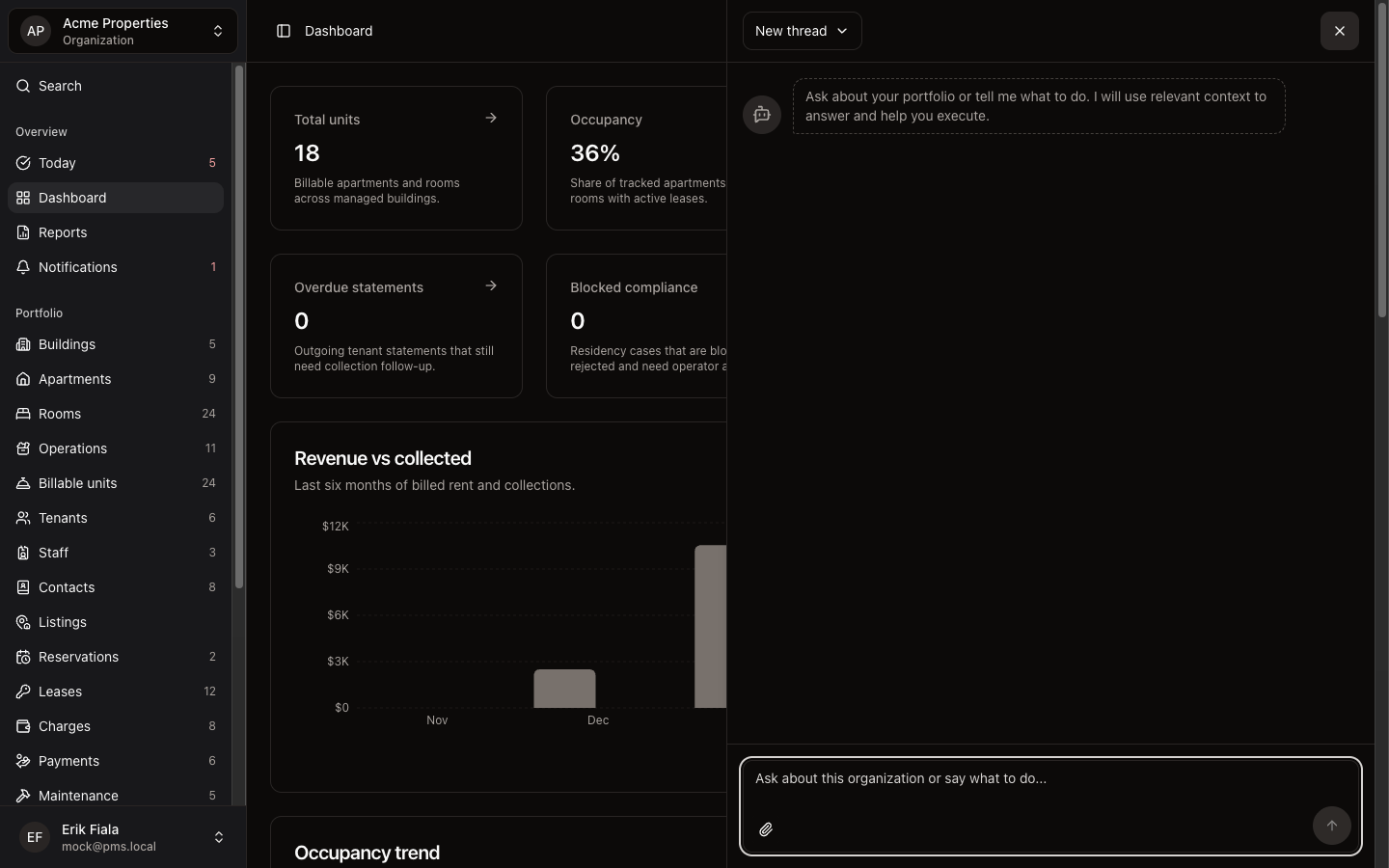
Connected areas inside Hausive
The AI agent works across tenants, leases, charges, payments, maintenance, inspections, and more, with full context from wherever you are in the app.
Portfolio-wide context
The agent reads across your entire portfolio, not just one module, so answers are always complete.
Page-aware
Questions are answered in the context of the record or page you are currently viewing.
Action with approval
The agent can take actions on your behalf and always asks for your confirmation before making changes.
Natural language
No query syntax or navigation required. Just describe what you need.
How teams usually run it
Here is how teams use the AI agent to get answers and get things done.
Open the agent from anywhere
The agent button is available on every page in Hausive. Open it without losing your place.
Ask or instruct in plain language
Ask a question like "Which tenants are overdue?" or give an instruction like "Log a payment for unit 4B" and the agent handles it.
Review and approve before anything changes
When the agent takes action, it shows you exactly what it is about to do and waits for your go-ahead.
What gets easier
The AI agent collapses the gap between knowing and doing, so your team spends less time navigating and more time managing.
Answers without navigation
Get the information you need without opening multiple modules or building a report.
Action without friction
Common tasks can be completed through the agent in seconds, with full control over what gets changed.
Confidence in every action
The approval step means the agent never makes changes you did not explicitly sign off on.
Try the AI agent on Pro
The AI agent is available on Pro and Enterprise plans. Upgrade to start asking questions and taking action across your portfolio.
Related modules
Today
Start each day from a single queue that surfaces the next setup task or the most urgent operational item across your portfolio.
Dashboard
Review occupancy, rent balances, and recent activity across your entire portfolio from one screen, without pulling exports.
Reports
Generate owner reports, upload invoices, and keep documents and media attached to the work instead of scattered across folders.