

Keep amenity access and availability visible to the whole team
Amenities helps teams keep gyms, pools, lounges, laundry areas, and other resident-facing spaces organized so availability, outages, and follow-up all stay tied to the property context.
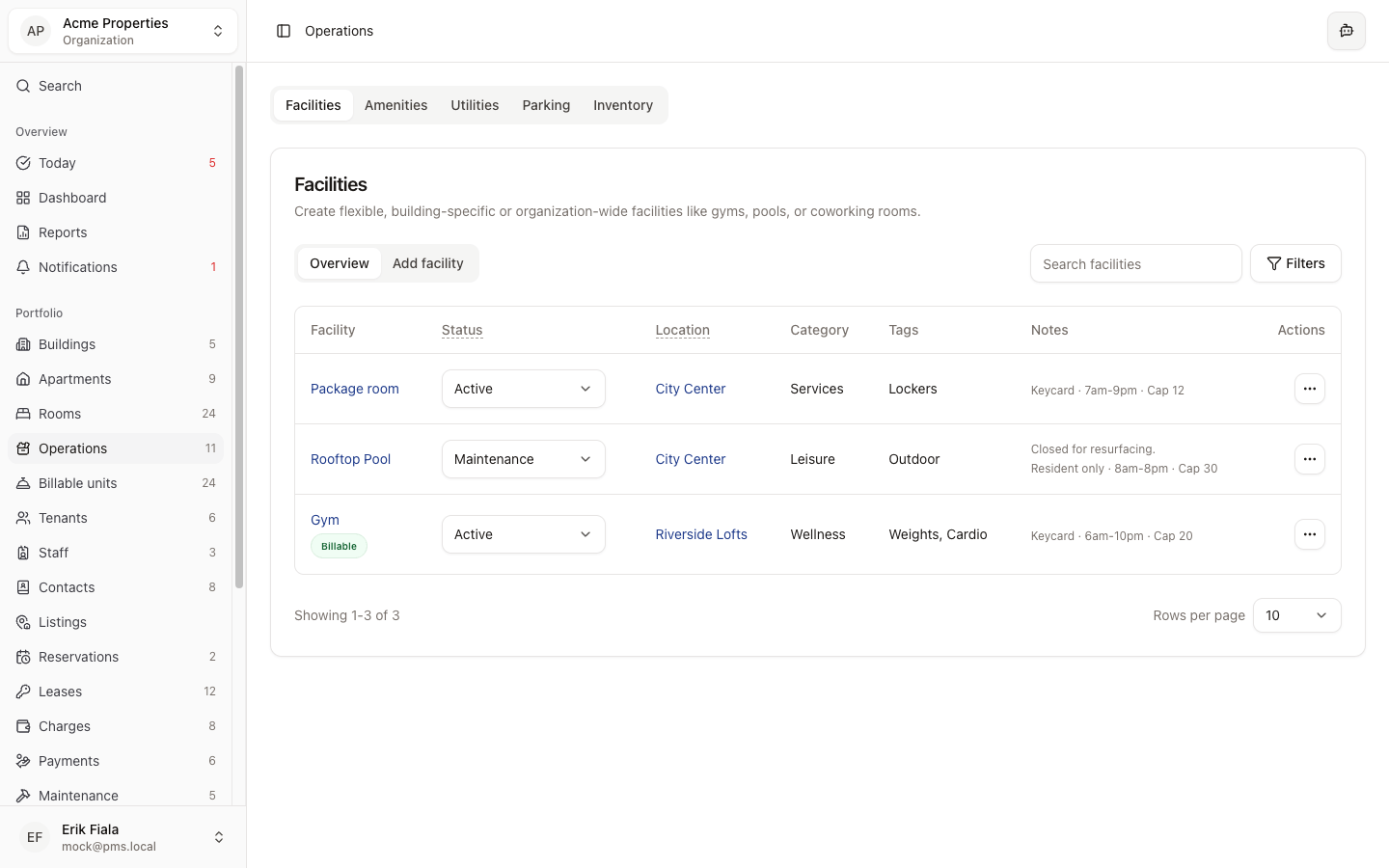
Connected areas inside Hausive
Amenities sits on top of the facility record and helps teams coordinate the parts of the property residents notice first.
Facilities
Amenities stays tied to the shared-space record underneath it.
Feedback
Resident comments can be traced back to the exact amenity they relate to.
Reservations
Guest or short-stay activity can be reviewed alongside amenity usage on the property.
How teams usually run it
Teams define the amenity, keep its availability current, then attach follow-up whenever service quality changes.
Define the amenity record
List the resident-facing amenity and connect it to the right property context.
Update status as service changes
Keep the team aligned when an amenity is available, limited, or temporarily unavailable.
Respond with context intact
Questions, issues, and follow-up start from the amenity record instead of scattered messages.
What gets easier
Resident communication improves when everyone can see the same amenity status and history.
Clearer resident expectations
The team can communicate from one current source of truth about what is available.
Less service confusion
Availability changes stop living in hallway conversations or one person’s inbox.
Better follow-up on complaints
When a resident raises an issue, the record and status are already attached.
Need clearer visibility into resident amenities?
We can show you how Amenities gives the team one record for resident-facing spaces and their current status.
More Operations modules
Facilities
Catalog shared spaces, service rooms, and site assets so every property has a cleaner operational record.
Utilities
Keep meters, readings, and utility billing inputs tied to the property instead of rebuilding them at billing time.
Parking
Track parking inventory, assignments, and status so the record stays tied to the property instead of scattered across messages.