

Track every unit from one inventory list: available, occupied, or in transition
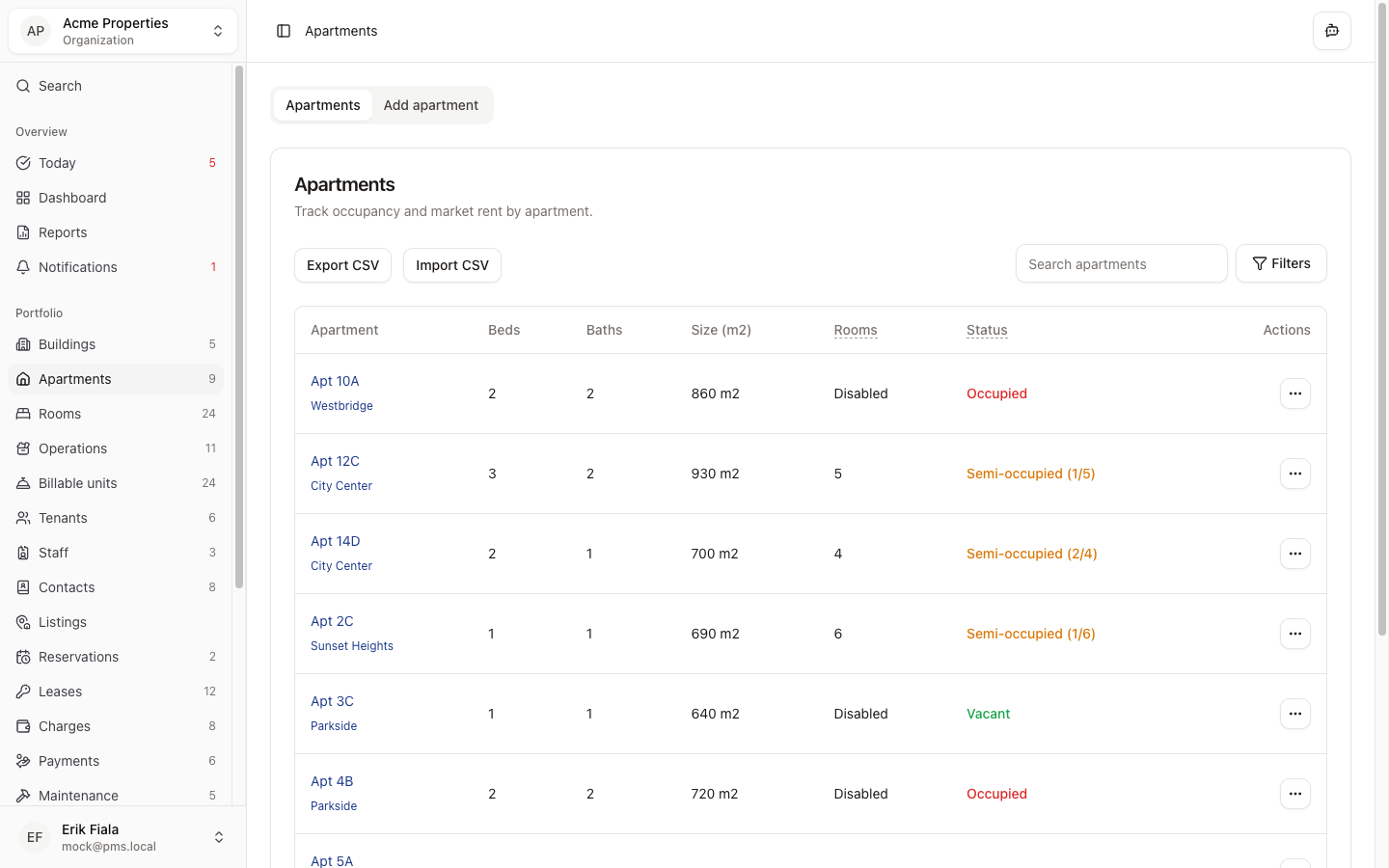
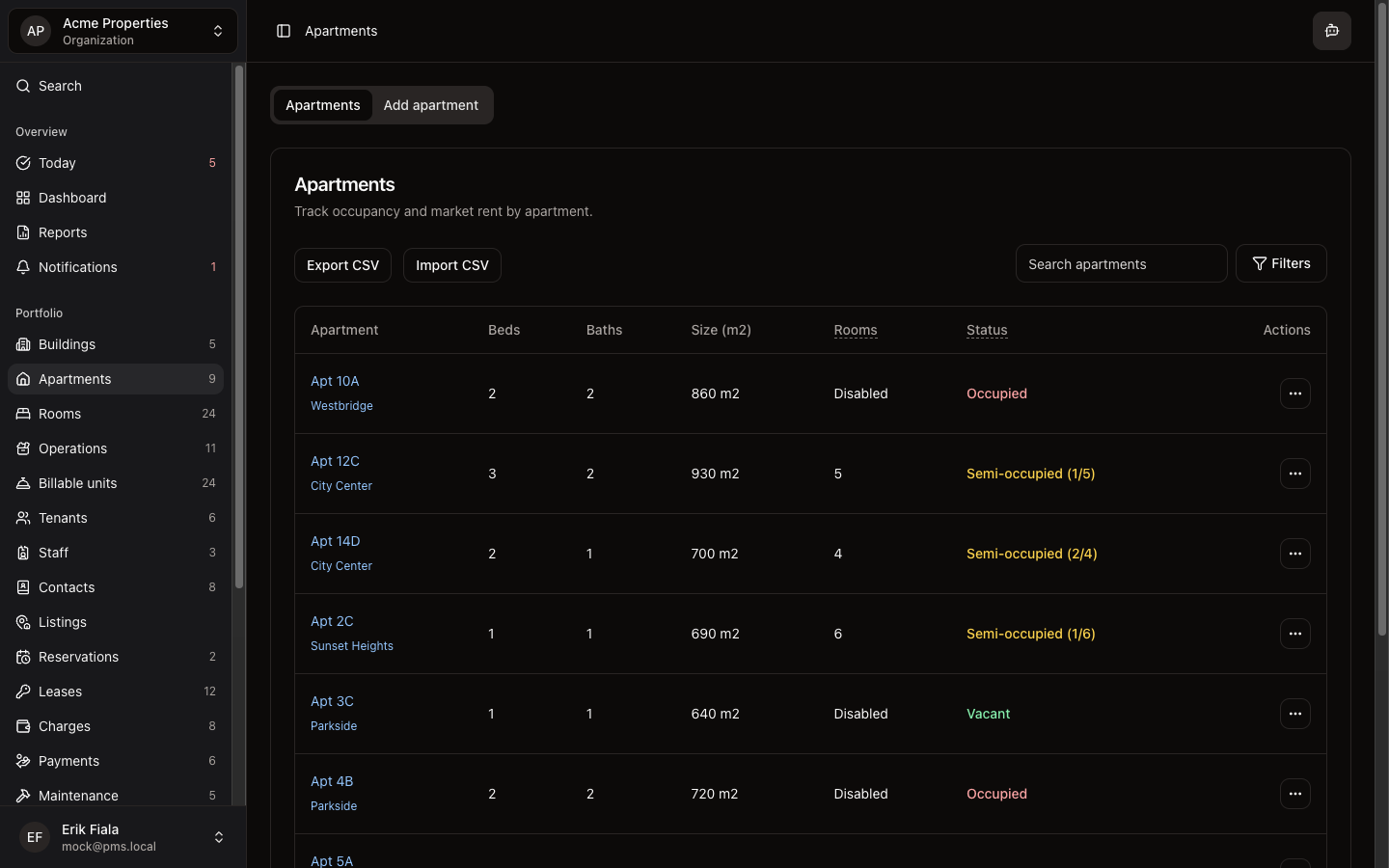
Apartments keeps your full unit inventory with pricing, occupancy state, and links to active leases so the whole team works from the same up-to-date picture.
Connected areas inside Hausive
Apartments connects to leases, charges, and billable units so occupancy and billing always reference the same unit.
Apartment profile
Size, type, floor, and identifying details for each unit.
Occupancy status
Available, occupied, or transitioning, updated as leases change.
Lease link
Active lease and tenant attached directly to the apartment record.
How teams usually run it
Teams add apartment details first, then link leases and billing as residents move in.
Add each apartment to the building
Enter unit details and pricing so leasing has accurate inventory to work from.
Link leases as tenants move in
Occupancy status updates automatically when a lease is created.
Monitor vacancy from the list view
Filter by status to see what is available and what is coming up.
What gets easier
Vacancy tracking and rent collection reference the same inventory so mismatches disappear.
Accurate vacancy data
Available units reflect actual lease status, not a manually updated spreadsheet.
Faster unit turnover
Teams see what is becoming available before a lease actually ends.
Billing tied to the right unit
Charges generate against the correct apartment without manual cross-referencing.
Want your unit inventory always in sync with leasing and billing?
We can show you how Apartments ties unit details, occupancy, and billing context together so nothing falls out of sync.
More Portfolio modules
Buildings
Add and manage every property in your portfolio with address, profile, and the settings that control how leasing, rooms, billing, and public tenant feedback work for that building.
Rooms
Manage individual rooms within apartments or buildings: occupancy, assignment, and per-room billing in one view.