

Every property in one registry, with the settings that drive everything downstream
Buildings is where you register each property, configure operational settings like rooms, coliving, and public tenant feedback channels, and give leasing, maintenance, and finance a shared reference point.
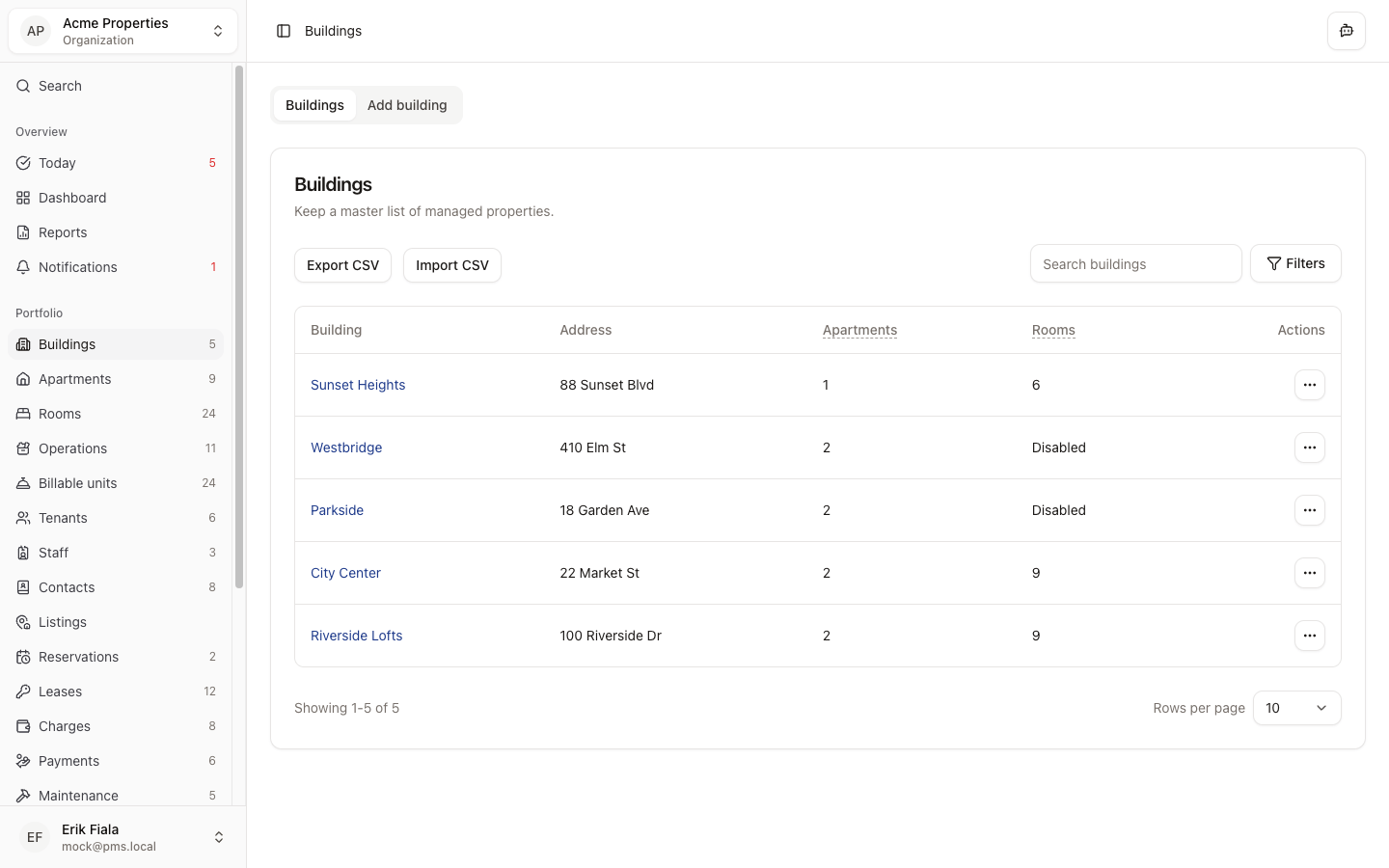
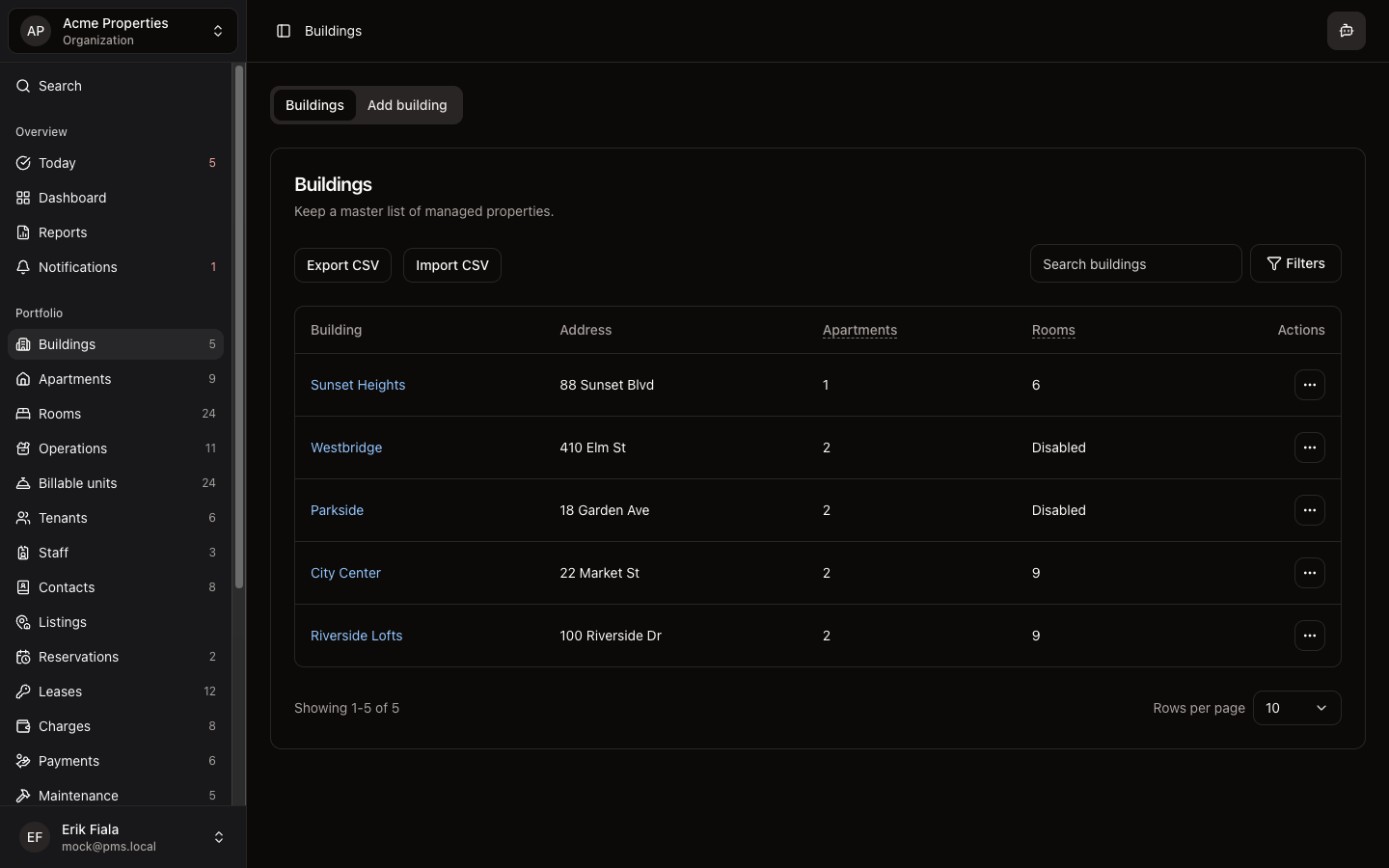
Connected areas inside Hausive
Buildings ties to apartments, rooms, operations, and the billing setup so every downstream workflow knows which property it belongs to.
Building profile
Store address, type, and key identifiers for each property.
Operational settings
Control rooms, coliving mode, public tenant feedback channels, and other property-level configurations.
Apartments & rooms link
Every unit and room belongs to a building for consistent inventory tracking.
How teams usually run it
Teams usually register the building first, then configure settings before adding apartments or rooms.
Add the building
Enter address, building type, and any operational notes.
Configure operational settings
Enable rooms, coliving, or other features that affect how this property runs.
Add apartments or rooms
Build out the inventory that leasing and billing will reference.
What gets easier
A clean building registry means every lease, charge, and ticket traces back to the right property.
One property registry for the whole team
Everyone references the same building list instead of maintaining their own.
Settings that propagate downstream
Room and billing configurations set once and applied across the portfolio.
Clean audit trail by property
Leases, charges, and tickets trace back to the right building without manual tagging.
Want your properties set up as a clean foundation?
We can walk through how Buildings anchors the rest of the platform so leasing, billing, and maintenance all reference the same properties.