

Occupancy, overdue rent, and open work — without a Friday export
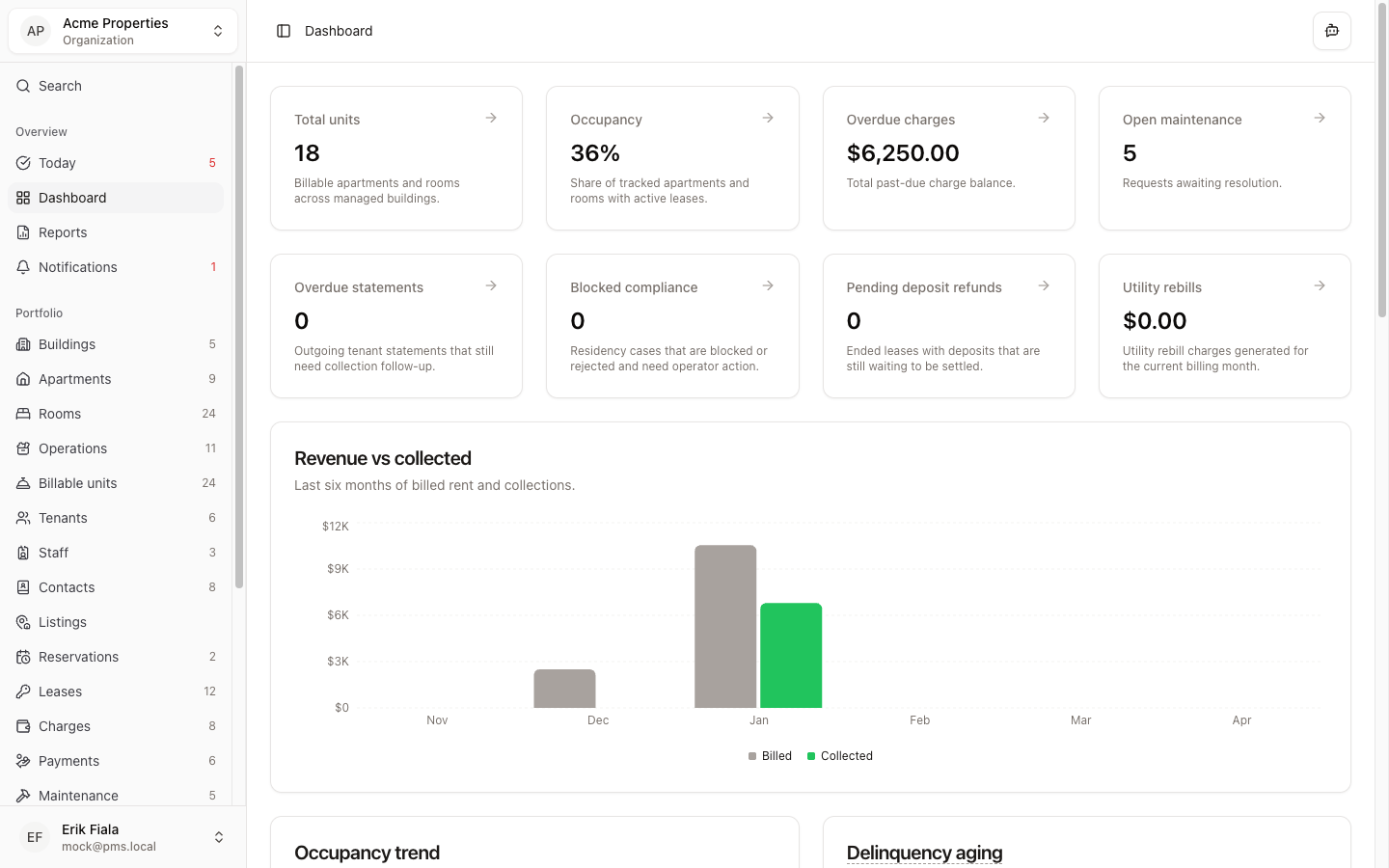
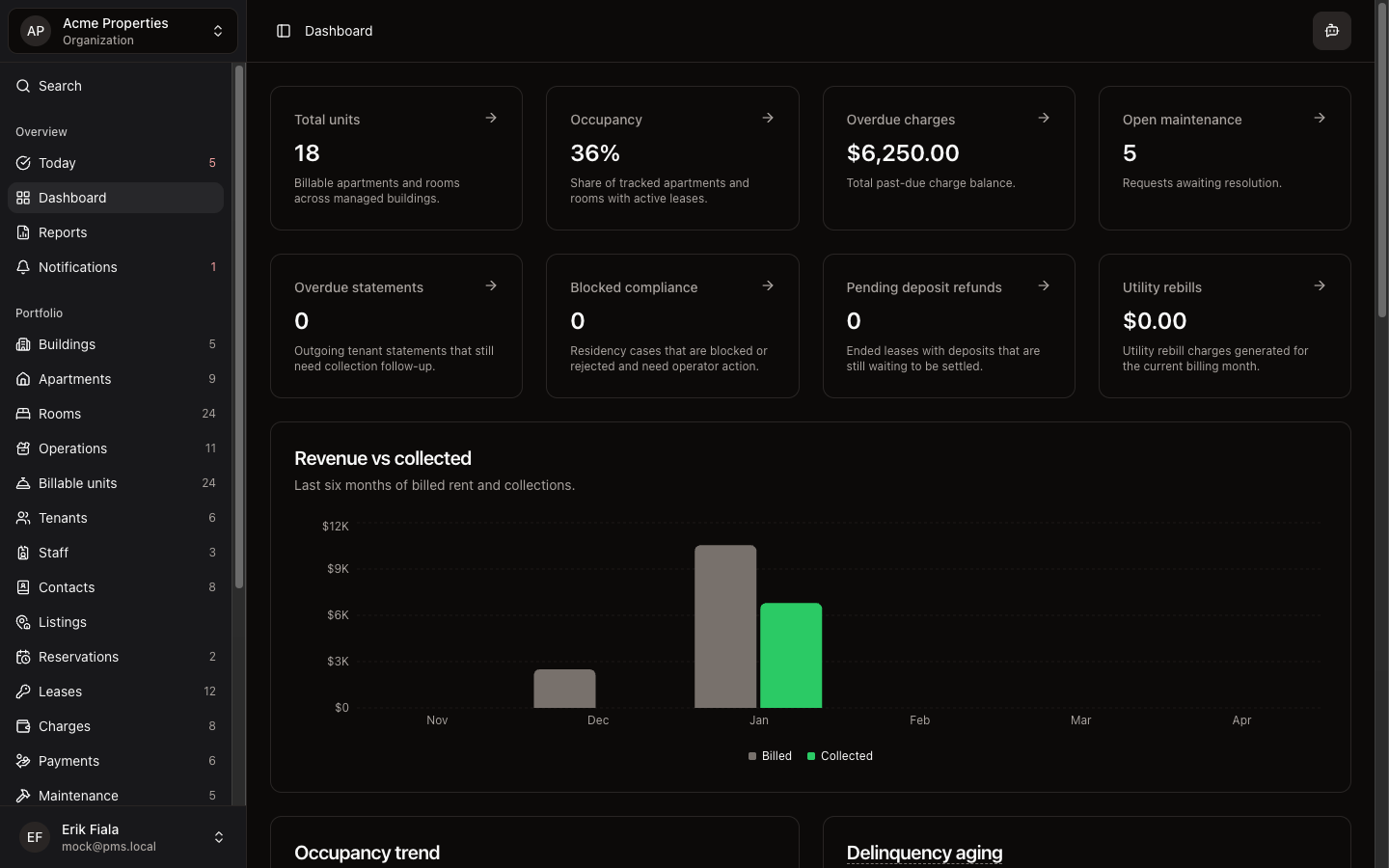
Dashboard pulls occupancy, outstanding balances, and recent ops activity so you can brief an owner or start the week without rebuilding a spreadsheet.
Connected areas inside Hausive
Dashboard draws from live property data so the numbers reflect actual occupancy, rent status, and recent changes.
Occupancy summary
Snapshot of filled and vacant units across the buildings you manage.
Balance overview
Outstanding, paid, and overdue rent at a glance.
Recent activity
Latest updates across leases, charges, payments, and tickets.
How teams usually run it
Most teams open Dashboard at the start of owner meetings or weekly reviews to anchor the conversation in real numbers.
Open Dashboard before owner calls
Anchor the conversation in live occupancy and balance data.
Spot anything that needs follow-up
Overdue balances or recent changes surface without manual digging.
Open the detail from there
Click through to the relevant module to investigate or act.
What gets easier
Owner updates go faster, and operators spend less time preparing for check-ins.
Faster owner prep
The numbers are already organized when the meeting starts.
Rent and occupancy without export thrash
Occupancy and collections stay visible without stitching exports together.
Better-informed decisions
Teams act on current data, not last week's spreadsheet.
Want a live read on occupancy and collections?
Start a free trial and see how Dashboard keeps overdue rent and occupancy visible without building reports by hand.
More Overview modules
Today
Start each day from one queue: overdue rent, vacant rooms, stuck maintenance, and the next setup step — not a hunt across tabs.
Reports
Generate owner reports, upload invoices, and keep documents and media attached to the work instead of scattered across folders.
Notifications
See lease expiries, overdue rent, stuck maintenance, and reservation deadlines in one feed before they pile up.