

Find any document without searching your email
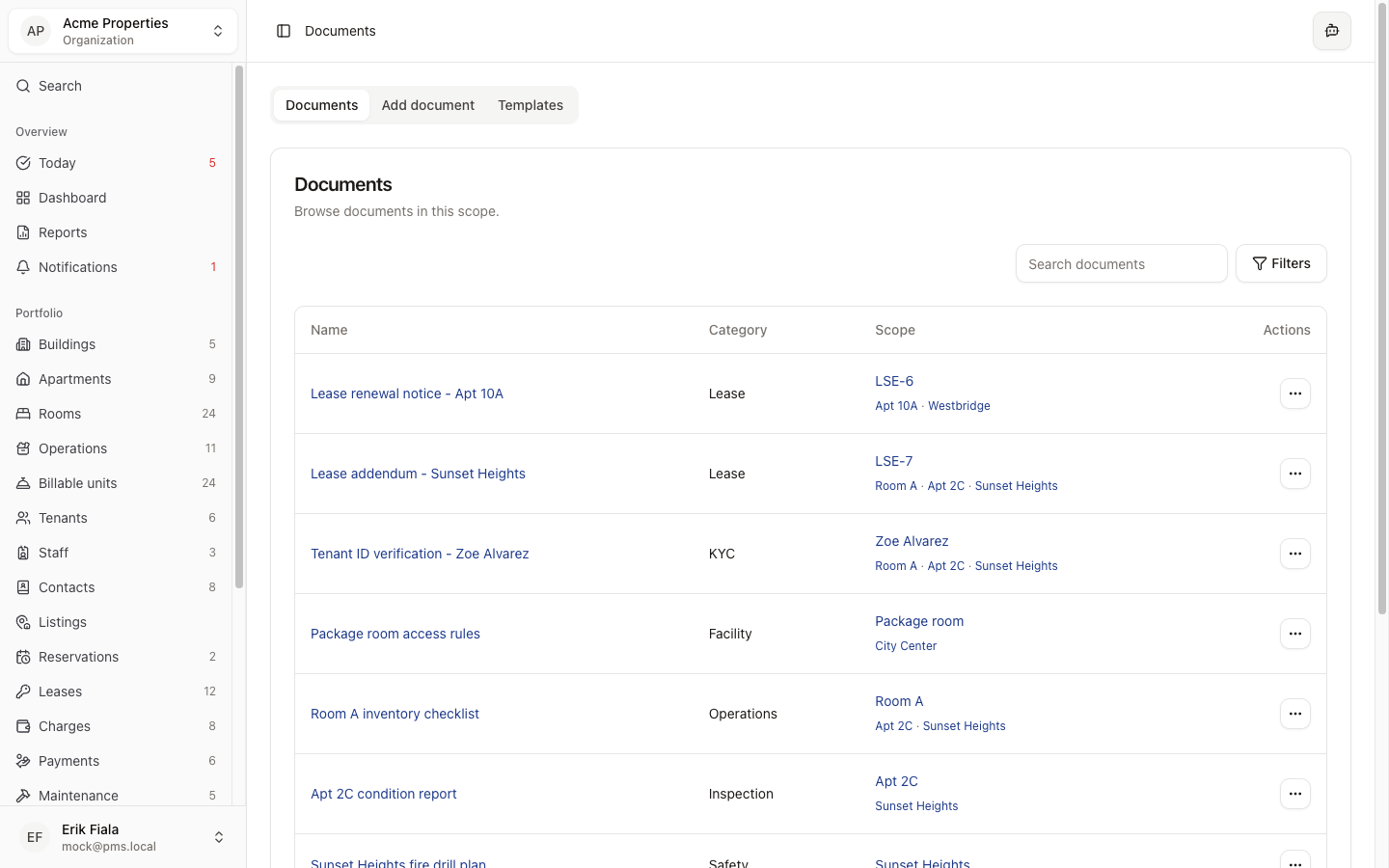
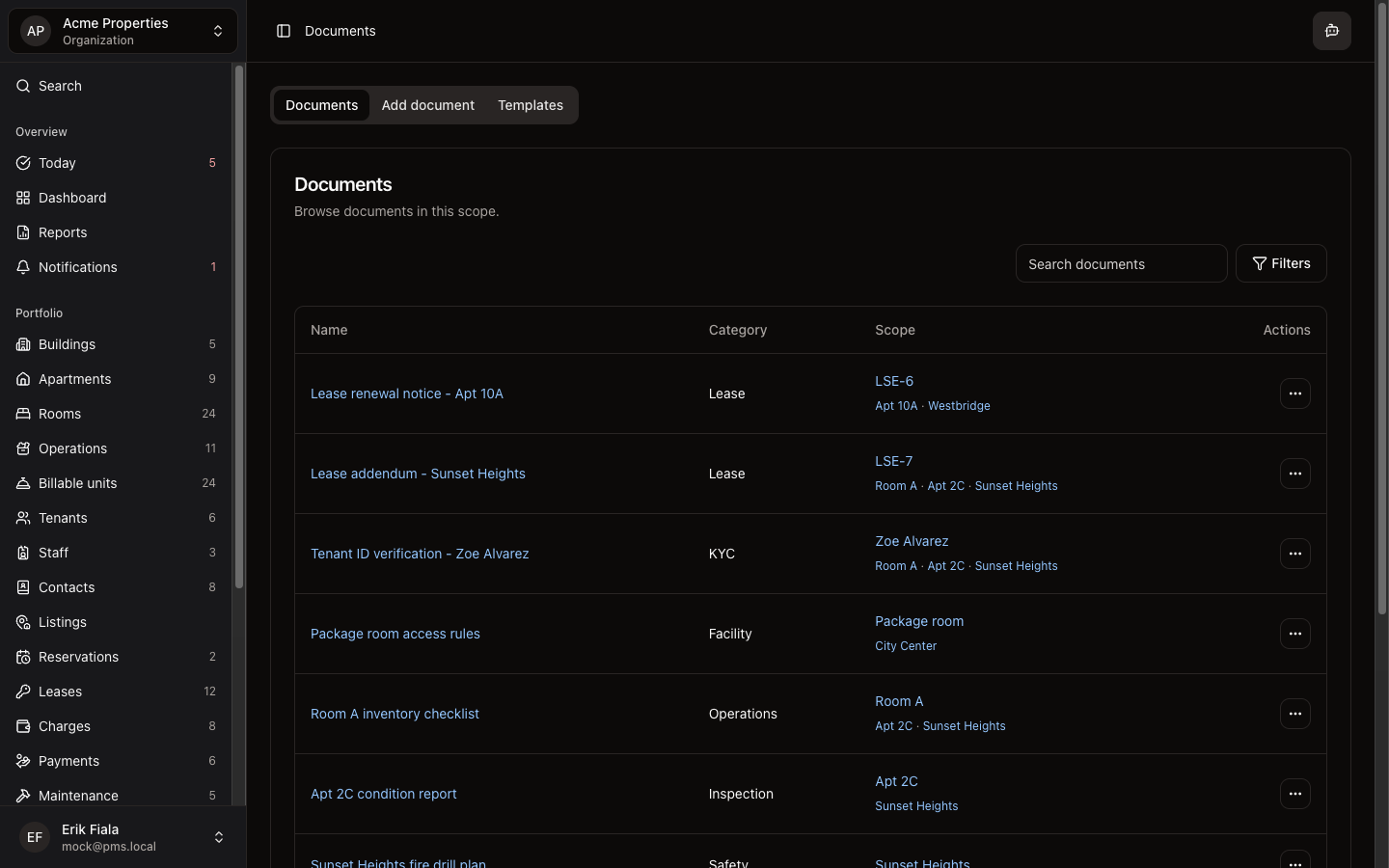
Documents are stored where they belong: attached to the tenant, lease, or property they relate to, so you find them in one click instead of a ten-minute search.
Connected areas inside Hausive
Documents attach to tenants, leases, units, inspections, and maintenance records, wherever the file belongs.
Tenants
ID documents, signed agreements, and correspondence are stored on the tenant record.
Leases
The signed lease and any addenda are attached directly to the lease record.
Inspections
Inspection reports and supporting photos are filed under the inspection record.
Maintenance
Quotes, invoices, and warranties from contractors attach to the relevant work order.
How teams usually run it
Here is how teams keep documents organized across their portfolio.
Upload to the right record
Attach files directly to the tenant, lease, property, or maintenance record they relate to, not a shared folder.
Retrieve in context
Open the record and find the attached documents without searching a separate file system.
Share when needed
Export or share documents directly from the record for owners, authorities, or contractors.
What gets easier
Documents attached to the right records means less time searching and fewer gaps at audit time.
One-click document retrieval
Documents are always one click away from the record they belong to. No more folder navigation.
Audit-ready records
When authorities or owners ask for documentation, the full file set is already organized and accessible.
Reduced email dependency
Teams stop emailing attachments back and forth when all documents live in the system.
Keep documents where the work is
Stop digging through Google Drive folders. Hausive attaches every document to the record it belongs to.