

Keep every invoice and financial document in one place
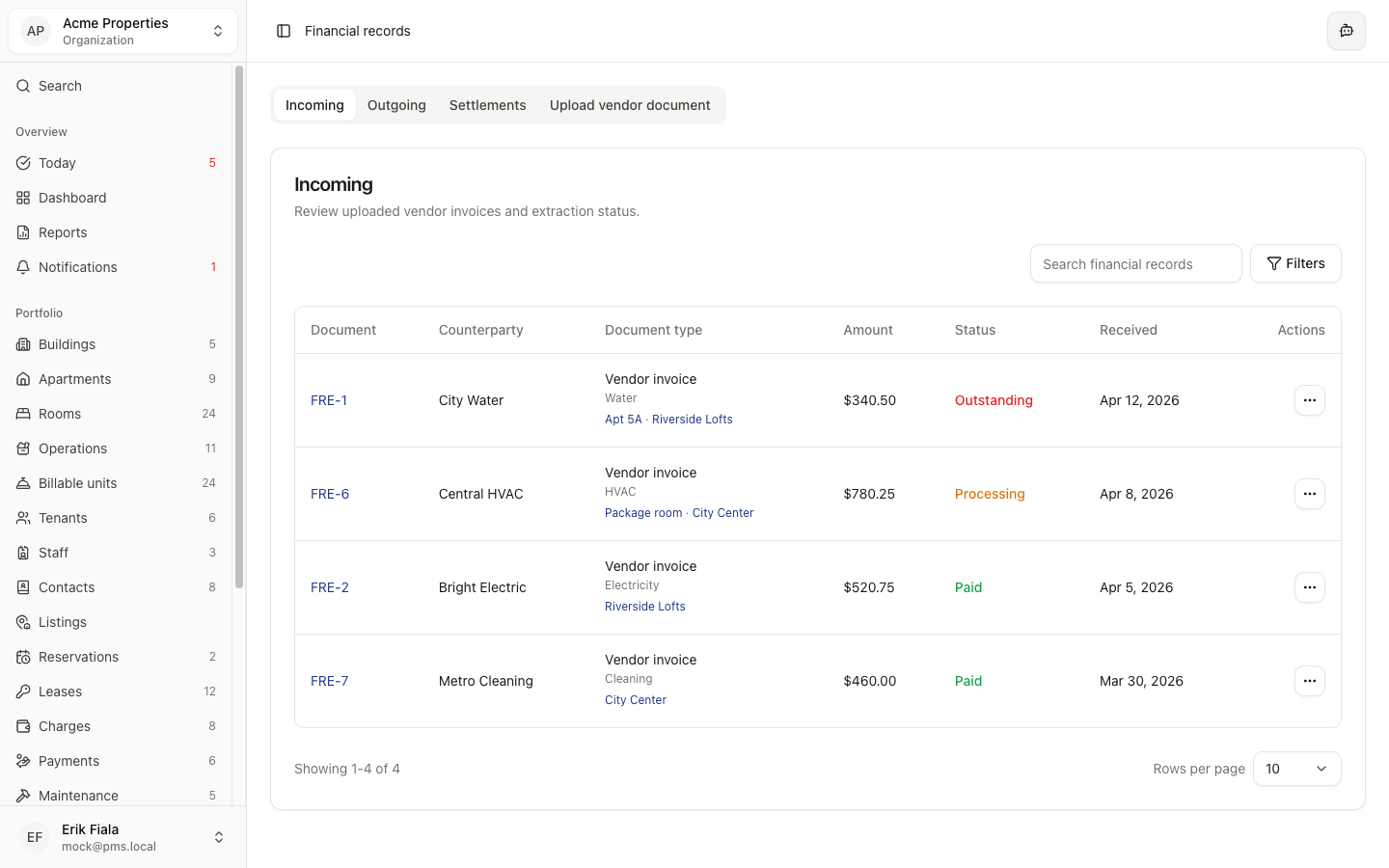
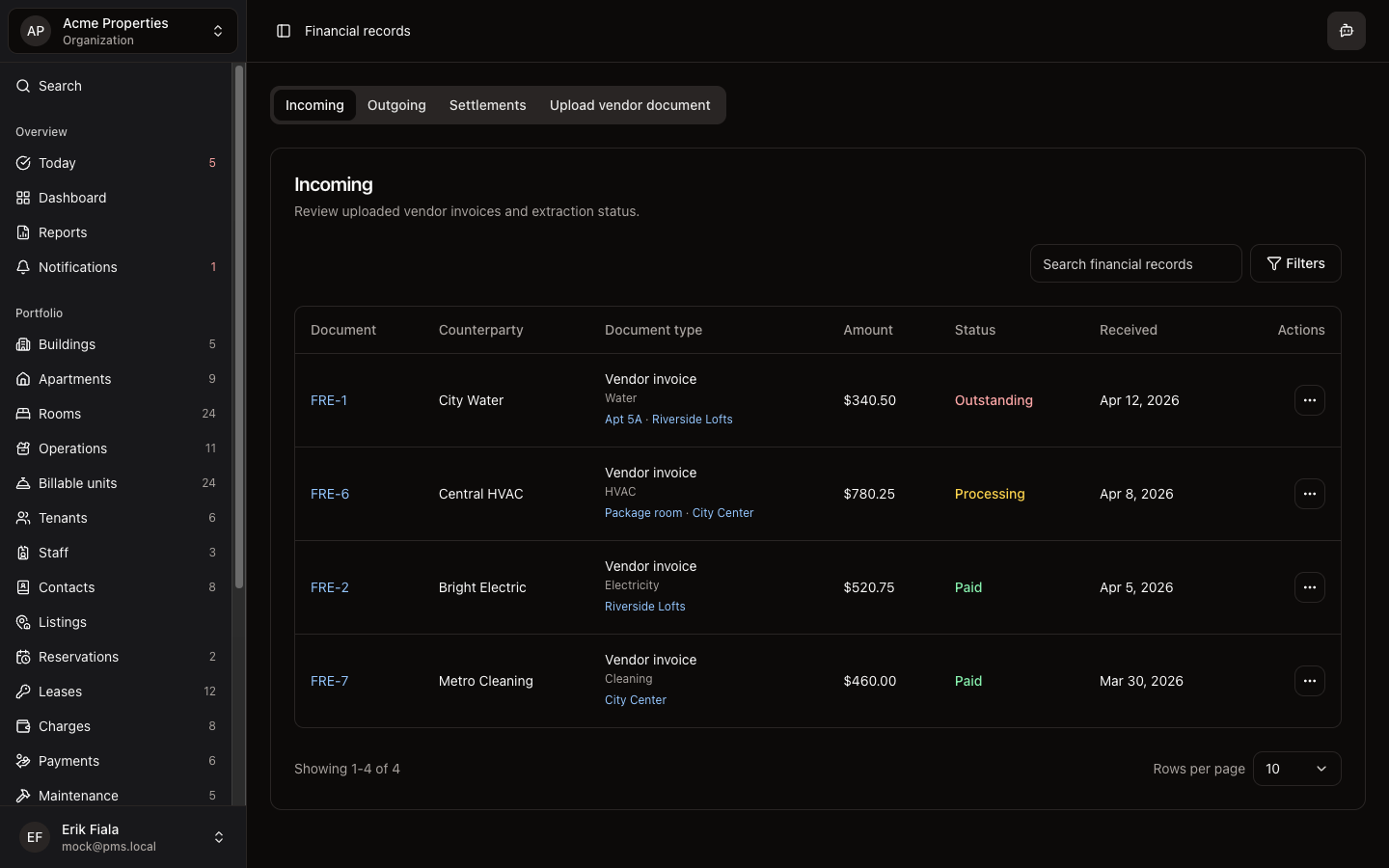
Financial records lets you upload, review, and code invoices and expense documents against properties and jobs, so month-end always has a complete audit trail.
Connected areas inside Hausive
Financial records connect to properties, maintenance jobs, and charges so every expense has context.
Properties
Invoices are filed against the property they relate to.
Maintenance
Contractor invoices attach directly to the work order they cover.
Reports
Coded expenses flow into financial summaries and owner reports.
Documents
Financial documents are stored alongside other property records for easy retrieval.
How teams usually run it
Here is how teams typically handle invoices from upload to coded record.
Upload the invoice
Upload the document and attach it to the relevant property, unit, or maintenance job.
Review and code
Review the document in context and assign the appropriate expense category and property code.
Close out the period
All coded invoices are available for month-end reporting without any additional data entry.
What gets easier
Organized financial records mean faster month-end close and a complete trail for owner reporting.
No lost invoices
Every invoice is attached to the job or property it relates to, not buried in an inbox.
Faster month-end
Expenses are already coded and organized when the reporting period closes.
Complete audit trail
Every financial document is filed against the right record so owners and auditors can follow the money.
Keep your financial records organized
Stop hunting for invoices across email threads and shared folders. Hausive keeps every financial document attached to the right property or job.
More Finance modules
Billable units
Choose which apartments, rooms, and facilities flow into billing so charges generate against the right spaces and services every cycle.
Charges
Review all billed charges, recurring rent, due dates, and overdue balances across the portfolio from one list, no spreadsheet required.
Payments
Record, track, and reconcile payments against outstanding charges across all tenants and properties, in one place.