

Turn inbound inquiries into real leasing work, not loose messages
Inquiries gives teams one place to review prospect messages, see which unit they asked about, and move the conversation toward a viewing, reservation, or tenant record.
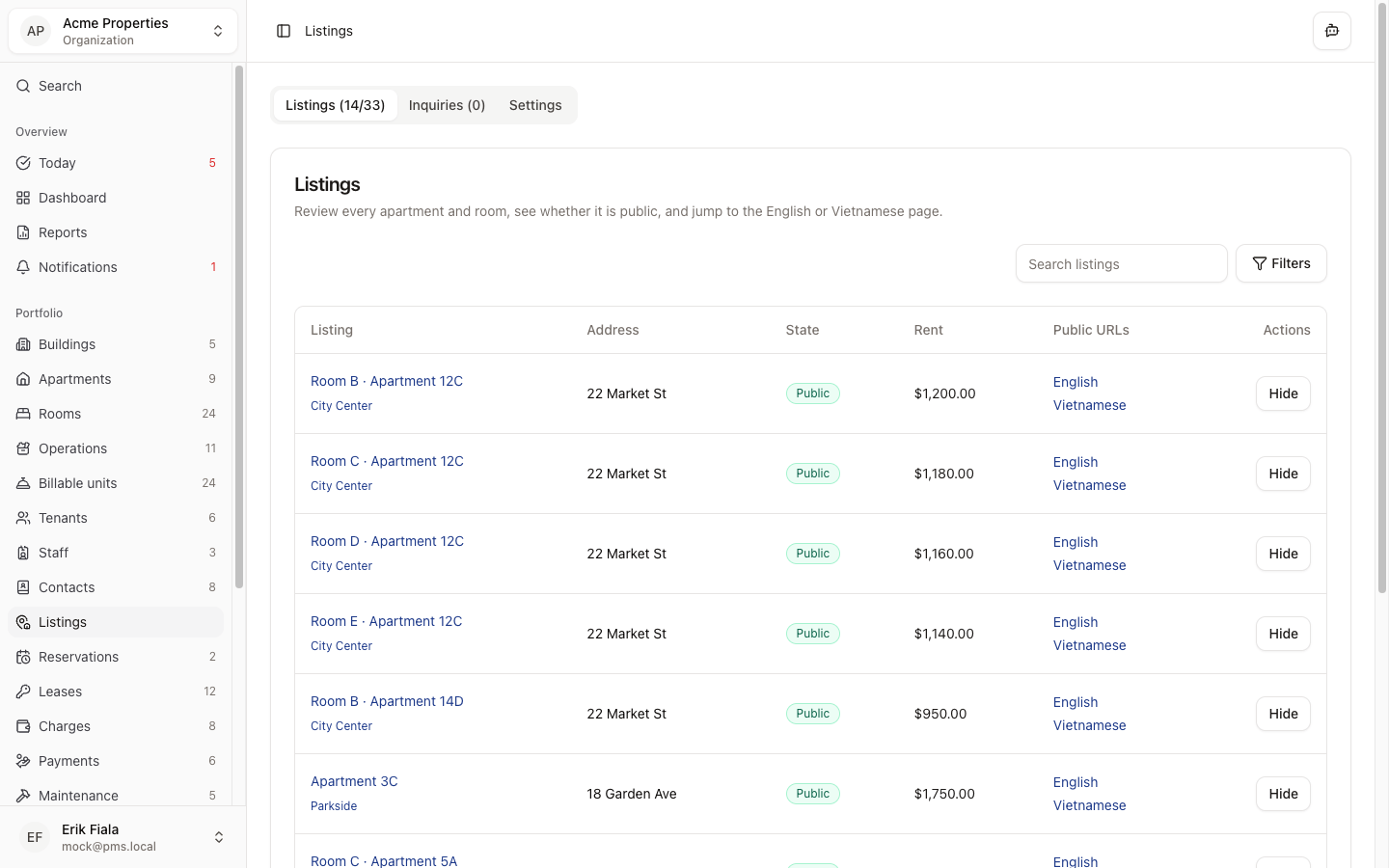
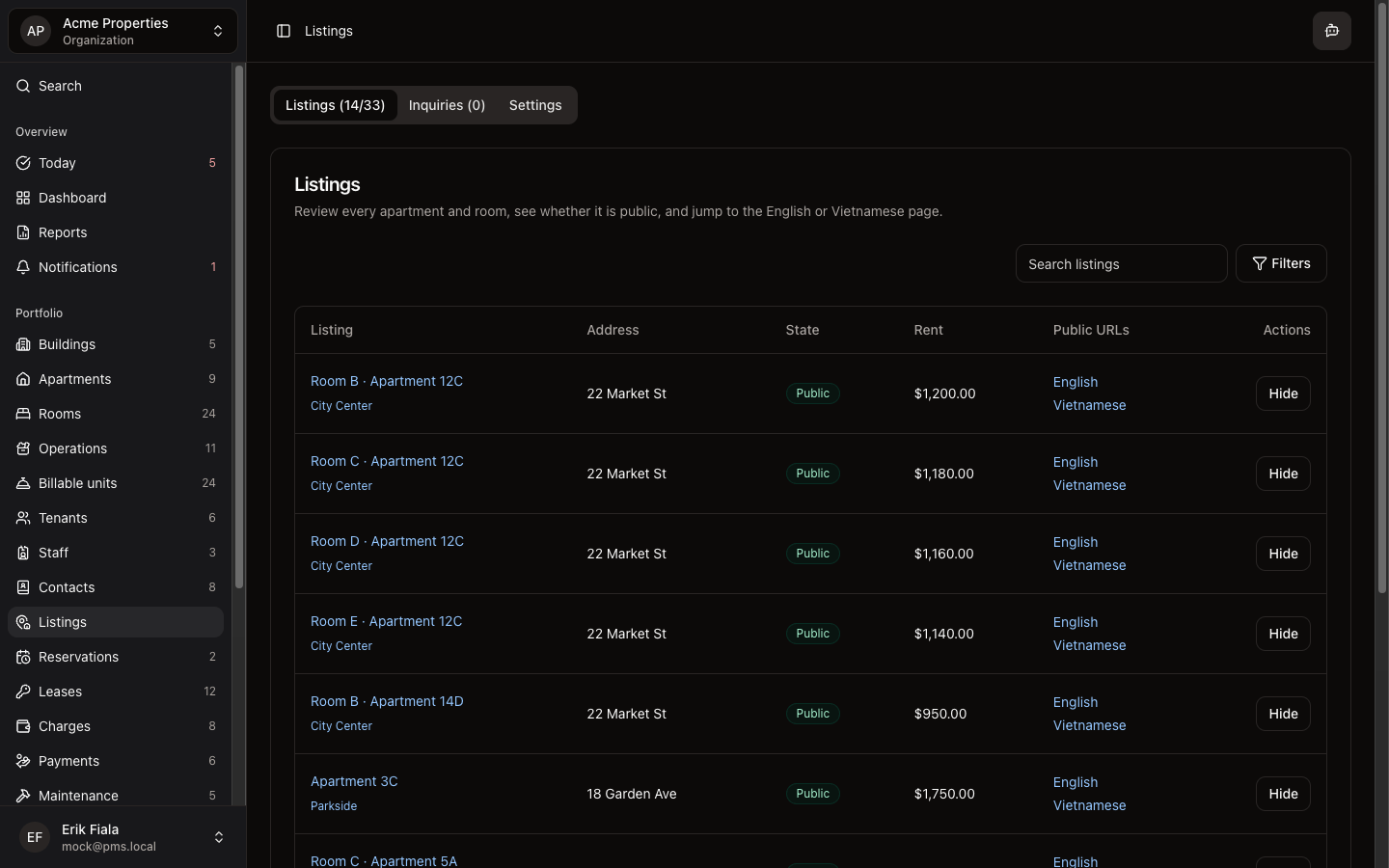
Connected areas inside Hausive
Inquiries sits between your public Listings page and the downstream leasing workflow, so the lead, unit context, and next step stay together.
Listings
Every inquiry is tied back to the vacancy page and unit that generated it.
Reservations
Qualified prospects can move into a hold or booking flow without losing context.
Tenants
Once the lead is real, the same conversation can become the resident record.
How teams usually run it
Teams usually review the incoming message, qualify the prospect, then hand the same record into reservations or tenant management.
Review the incoming inquiry
Open the message, see which vacancy it refers to, and understand the prospect before replying.
Qualify and follow up
Keep notes, responses, and internal next steps attached to the same inquiry record.
Hand off into leasing
Move the prospect into a reservation or tenant workflow without rebuilding the lead from scratch.
What gets easier
Lead follow-up gets faster because nothing has to be rebuilt from email, chat, or a separate CRM.
Faster first response
The team works from one queue instead of chasing messages across inboxes.
Cleaner lead handoff
The same inquiry record carries forward into the next stage instead of being copied into another tool.
Less lost context
The unit, the message, and the follow-up history stay together until the deal is ready to move.
Want faster follow-up on inbound leads?
We can show you how inquiry follow-up stays visible from first message through reservation or move-in.
More Leasing modules
Listings
Publish vacant units and follow up on inquiries from prospective tenants, keeping the lead pipeline in the same place as the rest of the portfolio.
Reservations
Manage short-term bookings alongside long-term leases: availability, check-in, check-out, and guest records in one system.
Tenants
Keep tenant records and contacts organized from first inquiry through move-in so nothing gets lost between stages.