

Track operational stock before shortages slow the work down
Inventory gives operators a place to track stocked items tied to day-to-day upkeep so maintenance work, restocking, and purchasing all start from the same supply record.
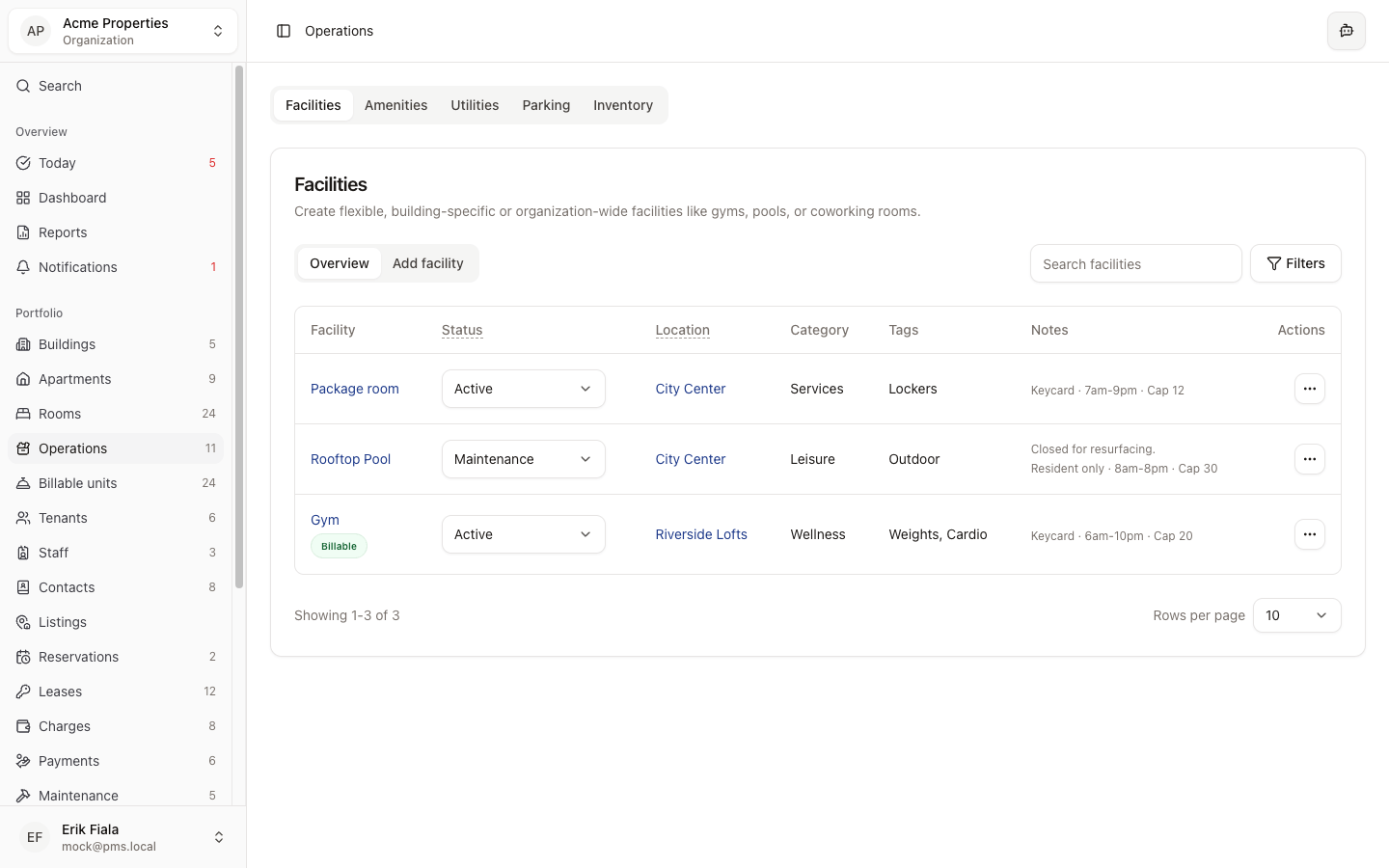
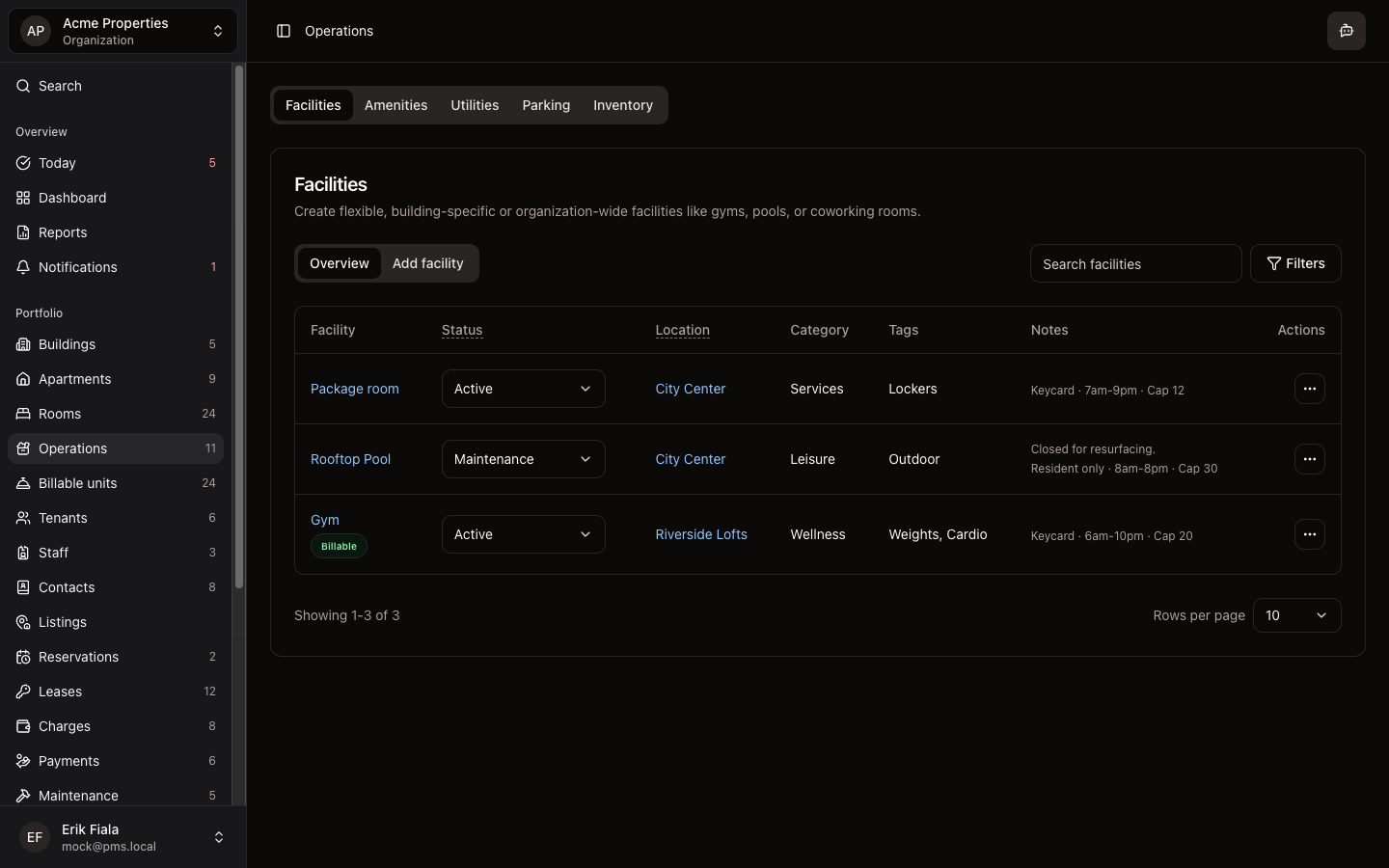
Connected areas inside Hausive
Inventory connects the physical supplies on site to the work that consumes them, so stock decisions stop happening in the dark.
Facilities
Supplies stay attached to the spaces and assets they support.
Maintenance
Maintenance work gets better context on what is already available on site.
Financial records
Purchasing and supporting documents are easier to review when the stock history is visible.
How teams usually run it
Teams define the stocked item, log usage or replenishment, then review what needs to be restocked before work is blocked.
Create the stocked item record
Define the supplies the property depends on before the team needs them urgently.
Log usage and replenishment
Keep the quantity and operating context current as work happens on site.
Review what needs restocking
Spot shortages early enough to act before the next task or repair gets blocked.
What gets easier
Daily upkeep runs more smoothly when maintenance and operations know what is actually on hand.
Fewer surprise stockouts
The team can see supply levels before a routine job turns into a delay.
Cleaner purchasing trail
Stock decisions are easier to explain when usage and replenishment live in one place.
Faster field work
Maintenance teams waste less time discovering missing parts after the work has already started.
Need a clearer view of site supplies?
We can show you how Inventory keeps stocked items visible before maintenance or purchasing has to react.
More Operations modules
Facilities
Catalog shared spaces, service rooms, and site assets so every property has a cleaner operational record.
Amenities
Track amenity availability and resident-facing services from the same operating record as the rest of the property.
Utilities
Keep meters, readings, and utility billing inputs tied to the property instead of rebuilding them at billing time.