

Publish vacancies and follow up on inquiries without leaving the platform
Listings lets you publish available apartments and rooms to your hausive.com listing page and track inquiries from prospective tenants directly in the same workflow as leasing.
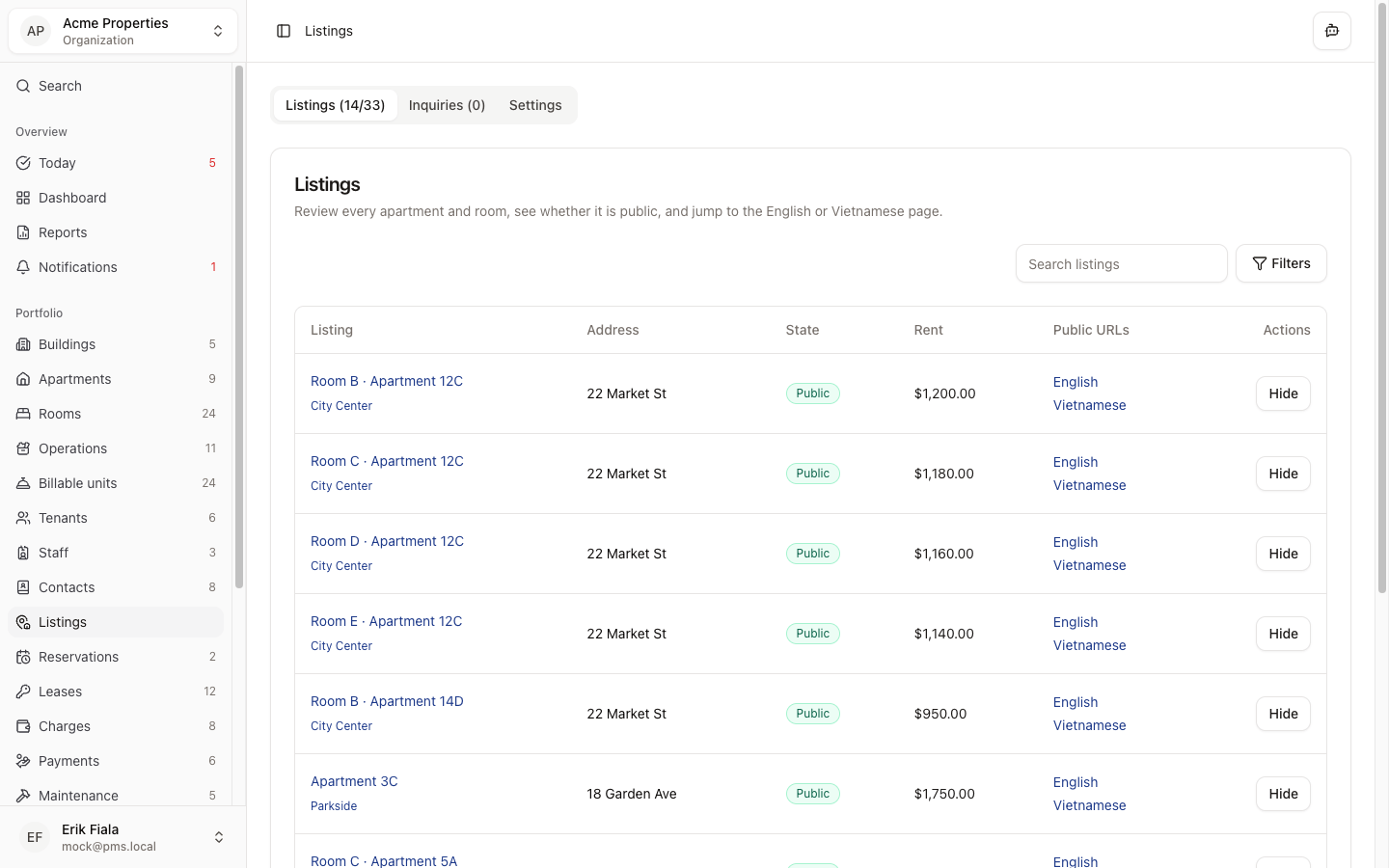
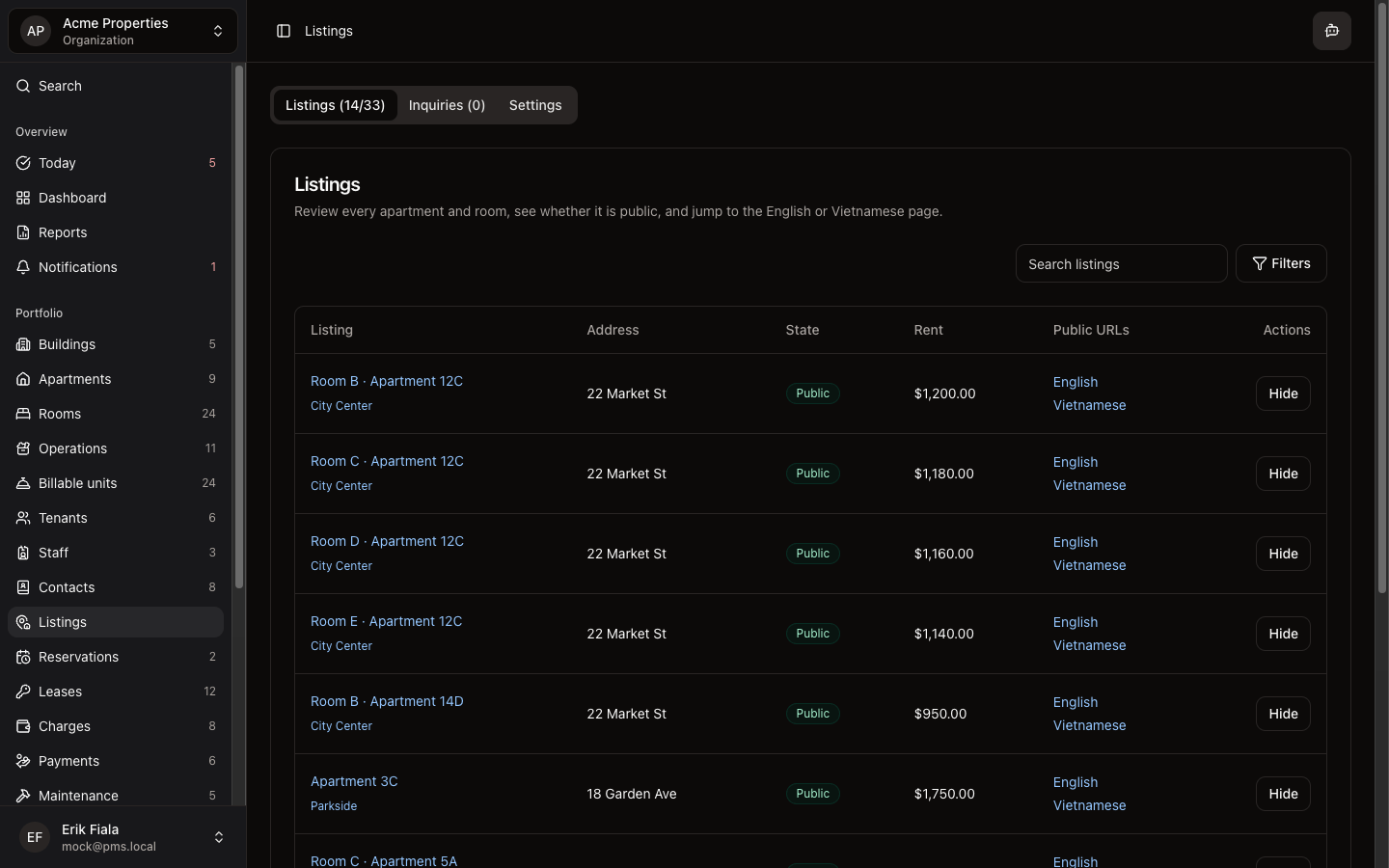
Connected areas inside Hausive
Listings connects vacancies from Apartments and Rooms to the public listing page and feeds inquiries into the tenant pipeline.
Vacancy listings
Publish available units with pricing and details to your public listing page.
Inquiries
Track messages from prospective tenants alongside the unit they enquired about.
Conversion pipeline
Move qualified leads into reservations or tenant records without starting over.
How teams usually run it
Teams publish a vacancy, receive an inquiry, qualify the lead, then convert to a reservation or tenant record.
Publish a vacant unit
Select the apartment or room, set the listing details, and publish to your listing page.
Follow up on inquiries
Review prospective tenant messages and qualify them before scheduling a viewing.
Convert to a reservation or tenant
Move qualified leads into the leasing workflow without re-entering their details.
What gets easier
Leads arrive in the system directly without being managed separately in email or a CRM.
Leads in the system, not in email
Inquiries arrive directly in Hausive instead of getting lost in inboxes.
Faster vacancy fill
The path from listing to signed lease has fewer handoffs and lost context.
Vacancy visibility for the whole team
Published listings and inquiry status are visible to everyone, not just one inbox owner.
Want vacancy inquiries in the same place as your leases?
We can show you how Listings connects your vacancy publishing to the inquiry-to-lease workflow so leads do not fall through the cracks.
More Leasing modules
Inquiries
Keep every website inquiry in one queue so follow-up, qualification, and handoff into leasing happen without losing the thread.
Reservations
Manage short-term bookings alongside long-term leases: availability, check-in, check-out, and guest records in one system.
Tenants
Keep tenant records and contacts organized from first inquiry through move-in so nothing gets lost between stages.