

Run maintenance from issue intake to resolved history
Log requests, assign work, track updates, and preserve the conversation and files around each issue so nothing disappears into chat.
Connected areas inside Hausive
These are the records that keep a maintenance issue visible from intake through assignment, updates, and closure.
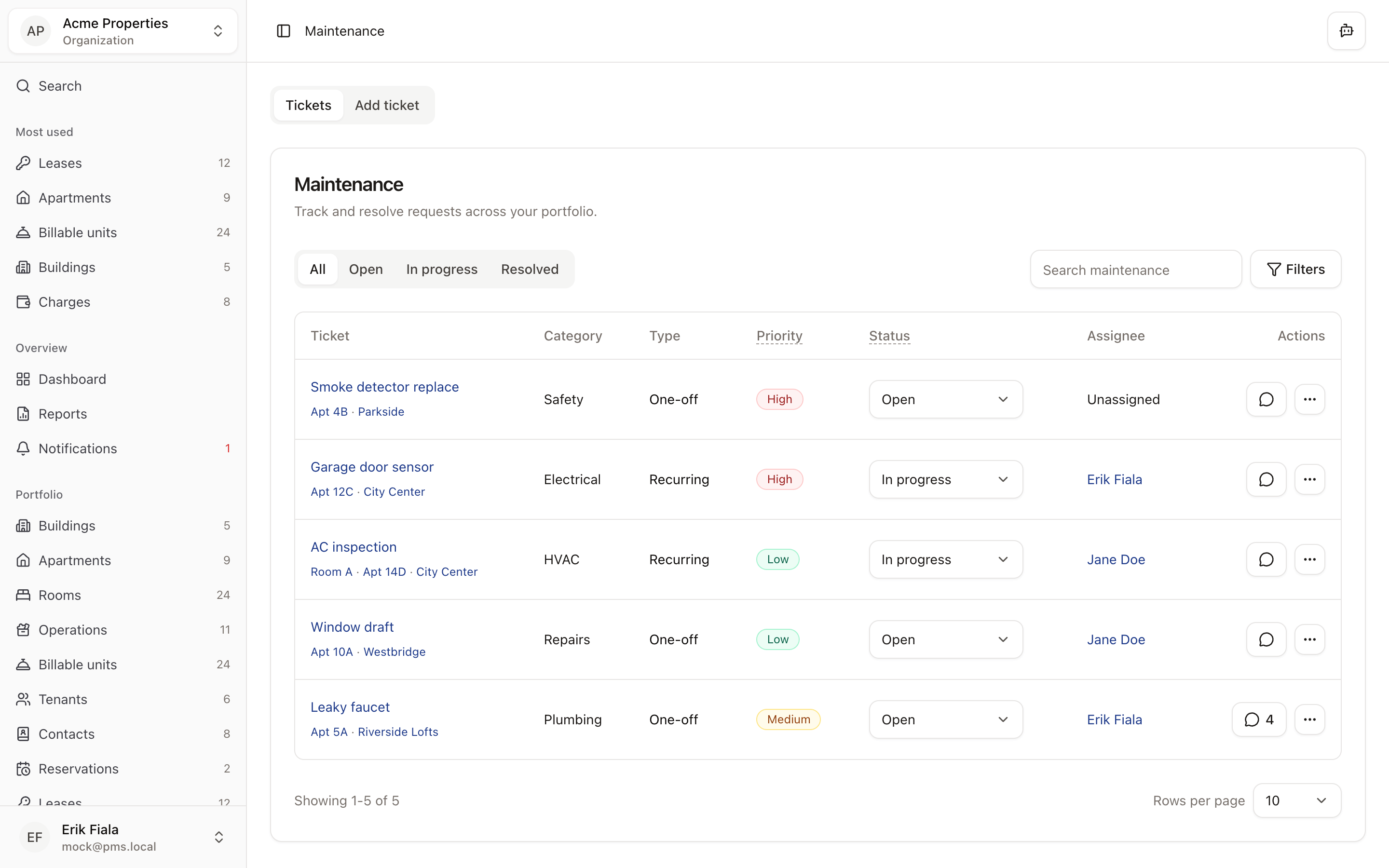
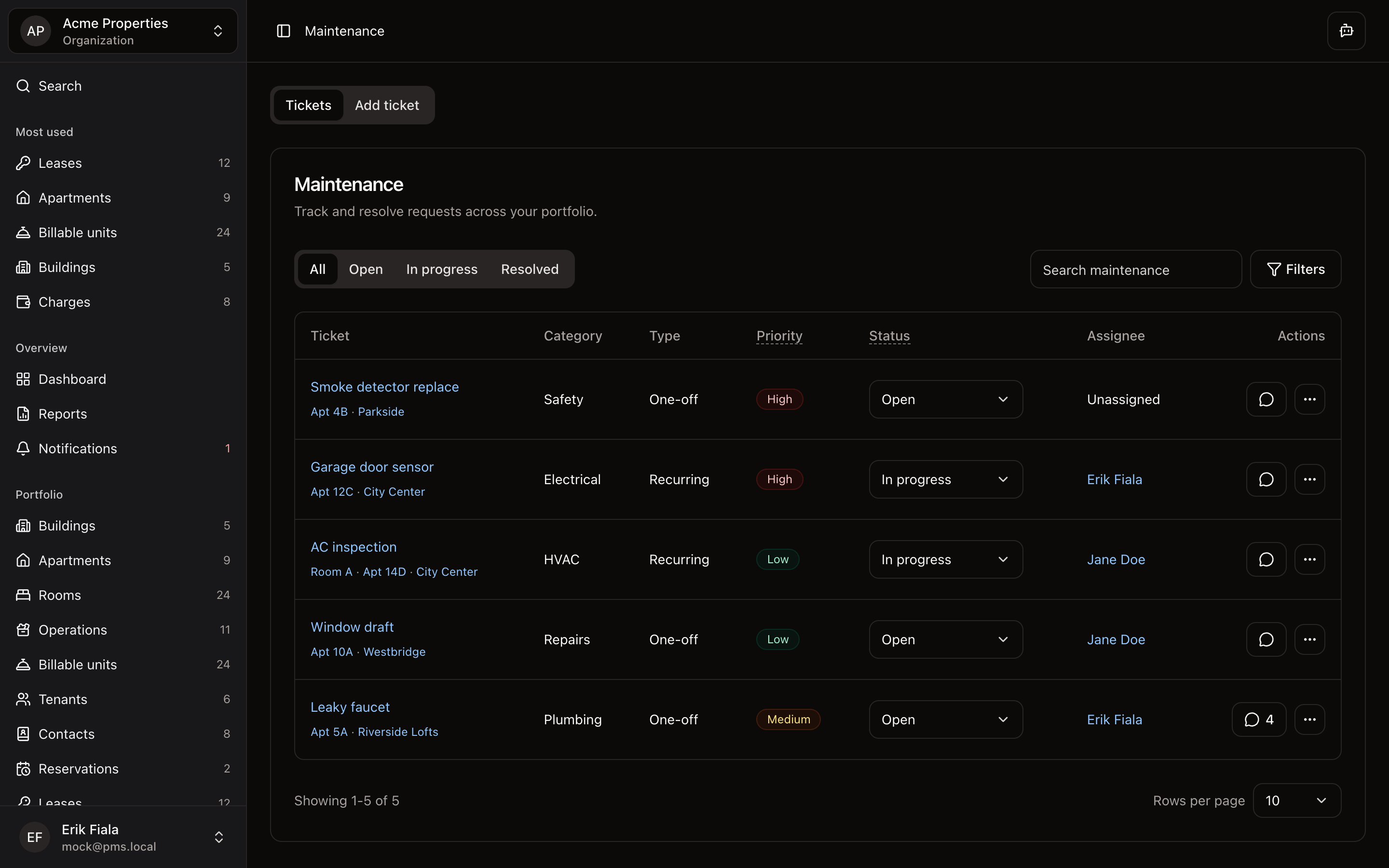
Maintenance
Track requests, statuses, assignees, and work logs.
Notifications
Surface the tickets and updates that need a response.
Media
Keep photos and other visual records attached to the issue.
Contacts
Reference vendors, building staff, or external contacts involved in the fix.
How teams usually run it
Teams usually log the issue, route it to the right person, then close it with the notes and evidence still attached.
Open and triage the issue
Capture what happened, where it happened, and who needs to see it first.
Assign and update the work
Keep owners, operators, or vendors aligned on status changes and next actions.
Close with history intact
Preserve notes, attachments, and the completion trail for future reference.
What gets easier
Day-to-day follow-up gets faster, and the service history is still there when someone asks about it later.
Quicker response times
Teams know which issues are new, active, or blocked without digging through chat.
Fewer missed tickets
Status history and ownership stay visible from start to finish.
Stronger service history
The evidence around each fix is ready when questions come up later.
Want maintenance work to stay visible until it is resolved?
Start a free trial and see how requests, assignees, updates, and photo evidence stay attached to the same ticket from open to close.
More Operations modules
Facilities
Catalog shared spaces, service rooms, and site assets so every property has a cleaner operational record.
Amenities
Track amenity availability and resident-facing services from the same operating record as the rest of the property.
Utilities
Keep meters, readings, and utility billing inputs tied to the property instead of rebuilding them at billing time.