

Visual records that stay where the work happened
Photos attached to the right record, not lost in a phone gallery, mean you always have the visual evidence you need when a dispute or question comes up.
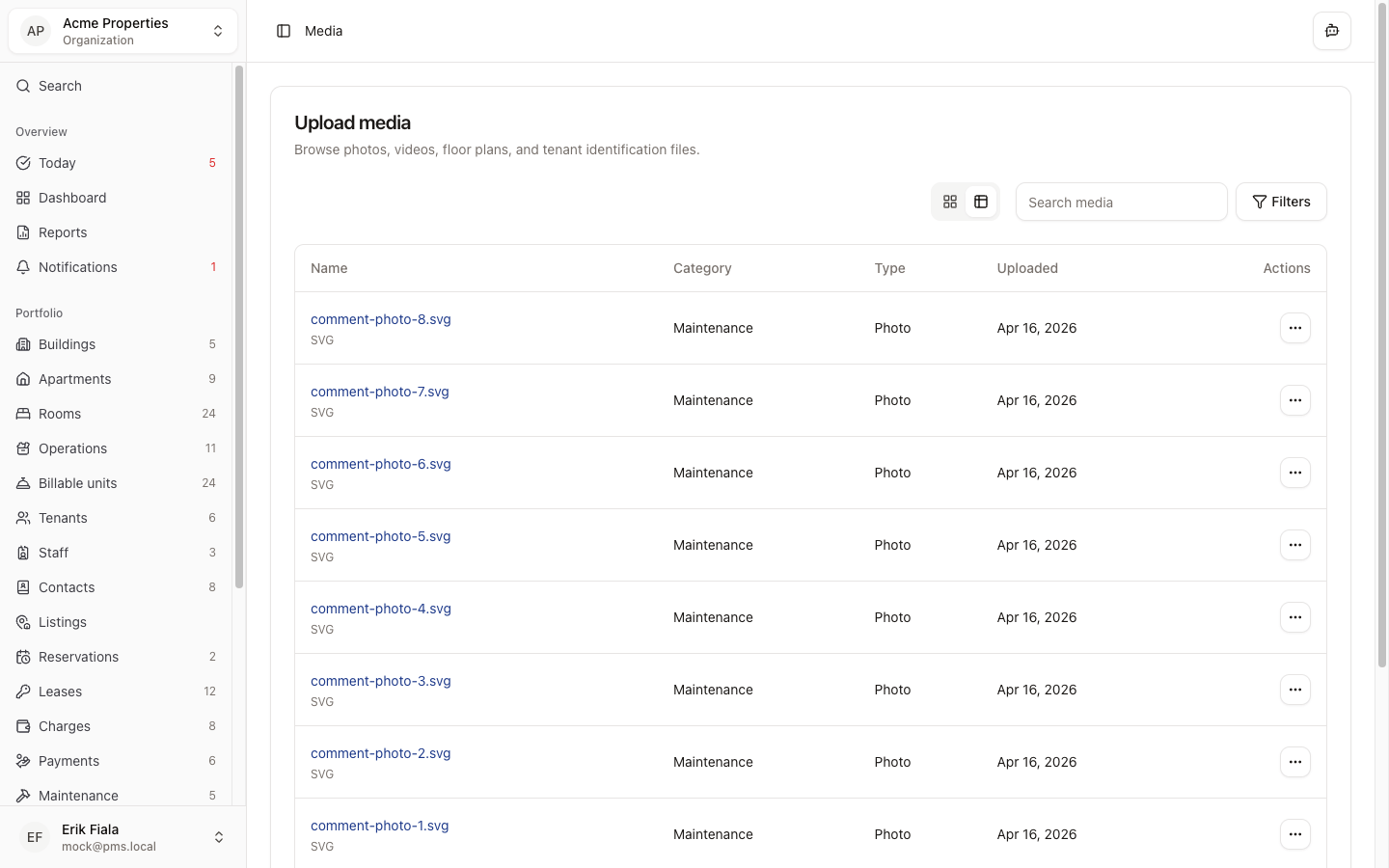
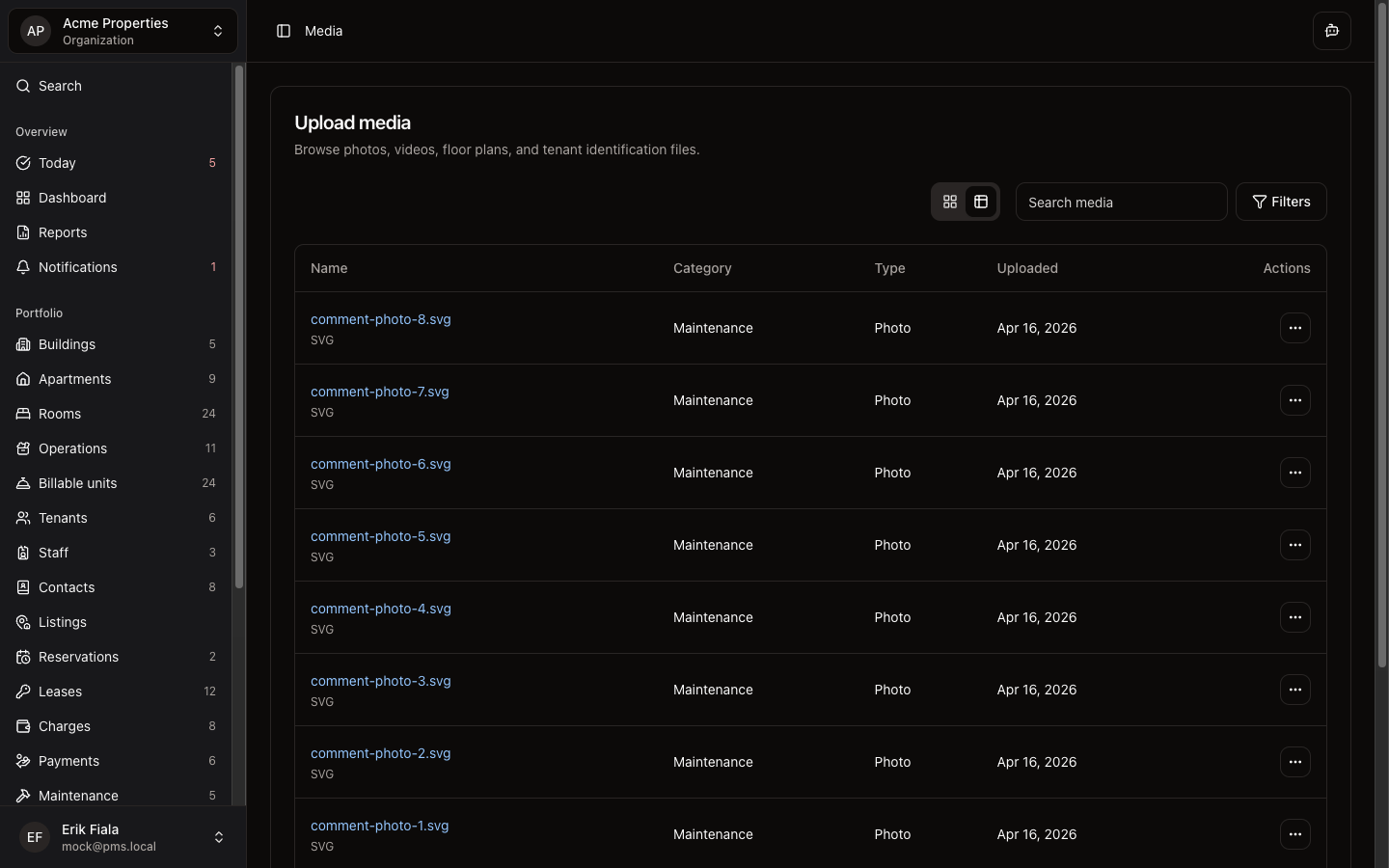
Connected areas inside Hausive
Media attaches directly to properties, units, inspections, and maintenance records across the portfolio.
Properties & Units
Marketing and condition photos are stored on the building or unit record.
Inspections
Photos taken during an inspection are attached as part of the condition report.
Maintenance
Before and after photos are attached to work orders to document repairs.
Tenants
Supporting images shared by tenants can be stored against their record.
How teams usually run it
Here is how teams capture and use visual records through the property lifecycle.
Capture at the right moment
Take photos during inspection walkthroughs, maintenance visits, or listing preparation and upload them directly in context.
Attach to the correct record
Images are linked to the specific property, unit, inspection, or maintenance job, not a shared folder.
Reference when needed
When a dispute or question arises, the photo is already attached to the record. No searching required.
What gets easier
Photos in the right place mean faster resolution, less back-and-forth, and cleaner records.
Visual proof always available
Photos are stored where the work happened, not scattered across team members' phones.
Faster dispute resolution
Condition photos at move-in and move-out are instantly accessible when tenants question charges.
Better listing quality
Property photos are organized and ready to use for listings without hunting through shared drives.
Keep photos attached to the right records
Stop relying on camera roll screenshots. Hausive keeps every photo attached to the property, unit, or job it documents.