

Manage every parking space like part of the portfolio, not an afterthought
Parking gives teams one operational record for each space so assignments, changes, and related billing can be reviewed from the same place as the rest of the property.
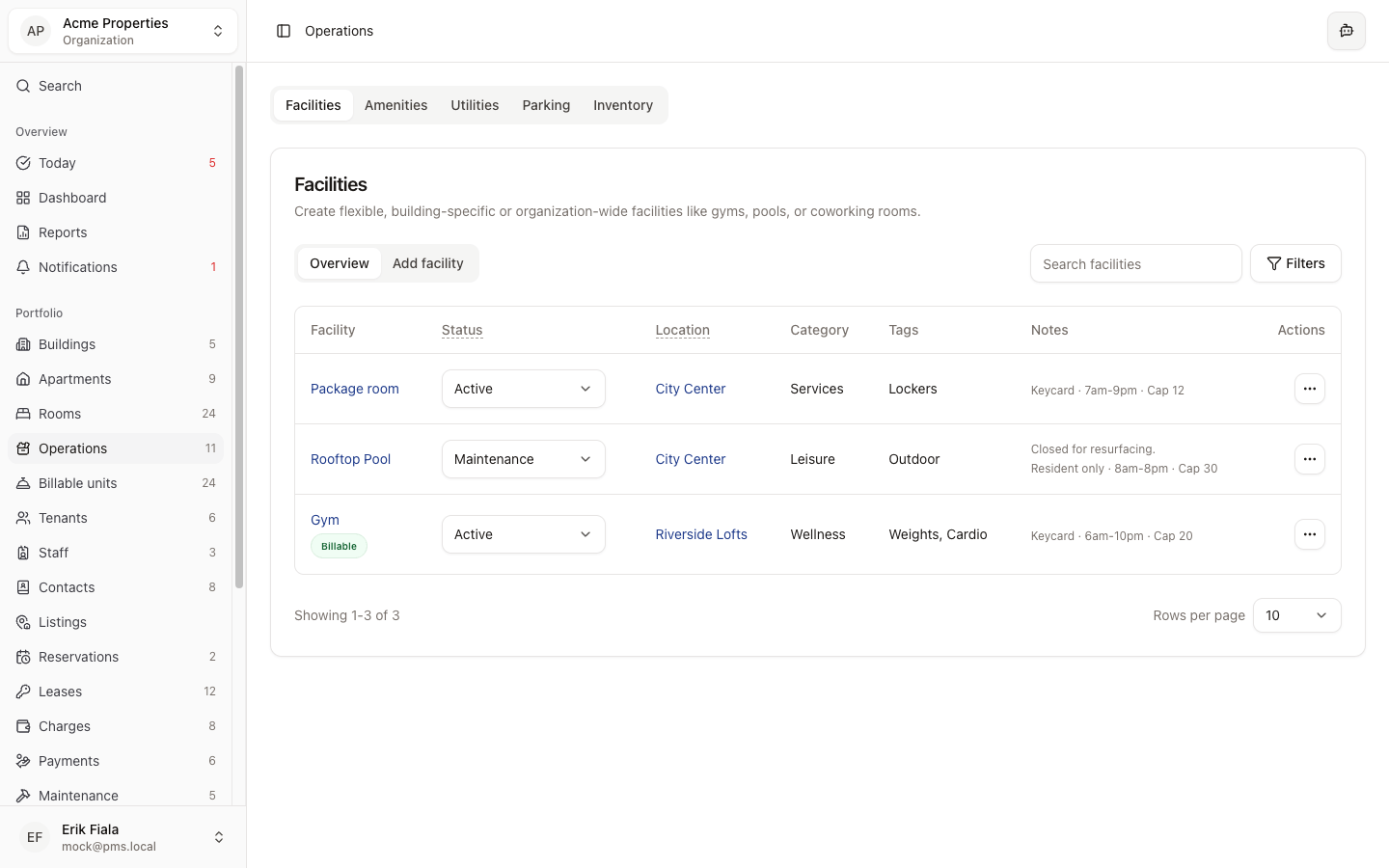
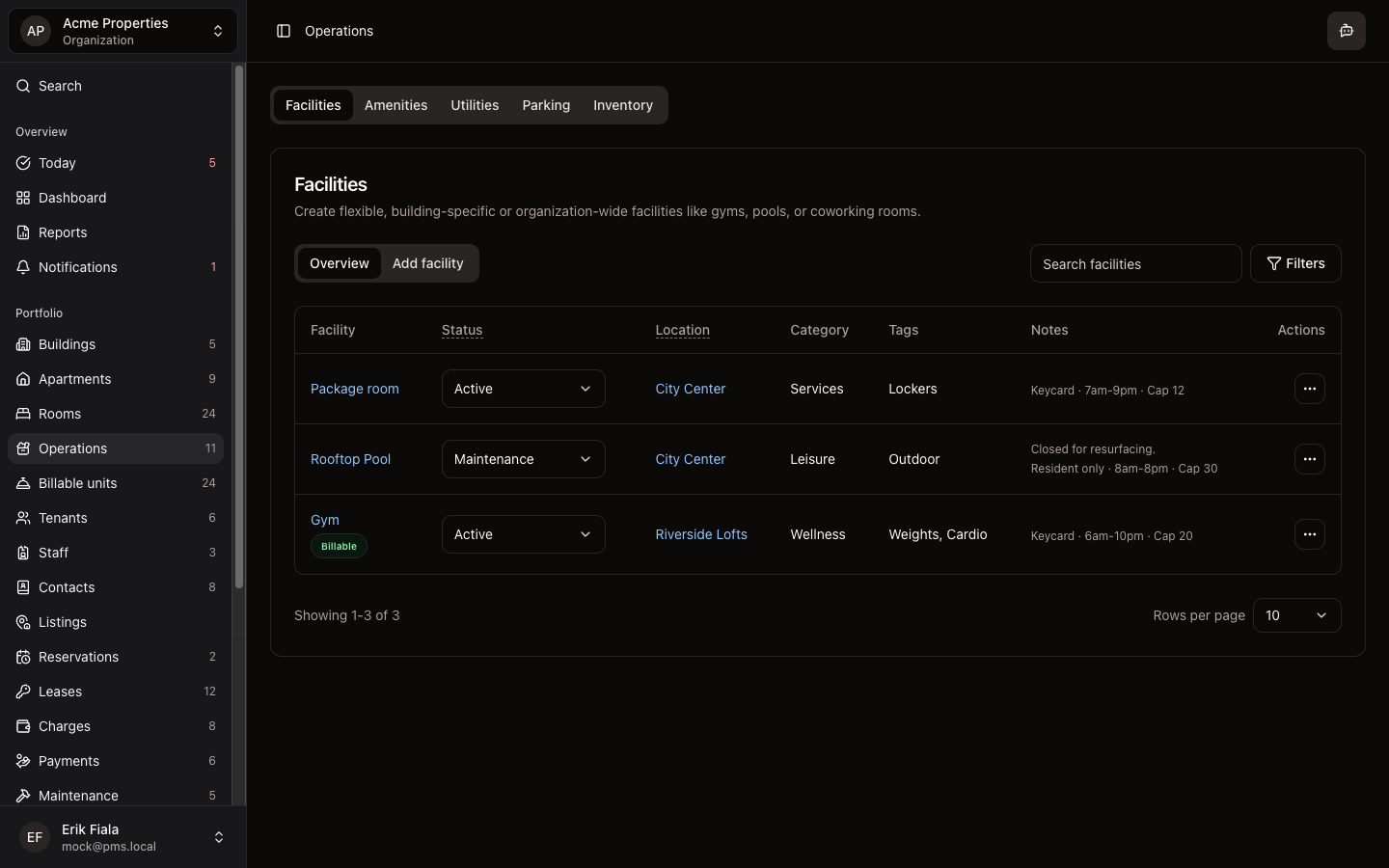
Connected areas inside Hausive
Parking connects a physical space on the property to the resident, visitor, or billing context attached to it.
Billable units
Parking spaces can be kept visible as billable items when needed.
Charges
Assignments and pricing context are easier to carry into the billing workflow.
Visitors
Visitor activity can be reviewed alongside the parking context on-site teams are already using.
How teams usually run it
Teams register the parking space, assign or update it as occupancy changes, then keep billing or access follow-up attached to the same record.
Register the parking inventory
Create the record for each parking space so the team starts from a real inventory.
Assign or update the space
Keep the current resident, usage, or operational status attached to the same space record.
Follow up without losing the trail
When billing or access questions come up, the parking history is already in place.
What gets easier
Parking management gets calmer when the team can see which space belongs to whom and what changed.
Fewer assignment mix-ups
The team can see the current state of every space without chasing side notes.
Better billing accuracy
Paid parking stays easier to explain when the assignment record already exists.
Clearer access history
Changes in parking usage stay attached to the property context instead of vanishing in chat.
Need clearer control over parking assignments?
We can show you how Parking keeps spaces, assignments, and follow-up in one shared record.
More Operations modules
Facilities
Catalog shared spaces, service rooms, and site assets so every property has a cleaner operational record.
Amenities
Track amenity availability and resident-facing services from the same operating record as the rest of the property.
Utilities
Keep meters, readings, and utility billing inputs tied to the property instead of rebuilding them at billing time.