

Track utility records where the property team already works
Utilities gives operators one place to manage utility points, readings, and billing inputs so downstream charges and financial review have cleaner source data.
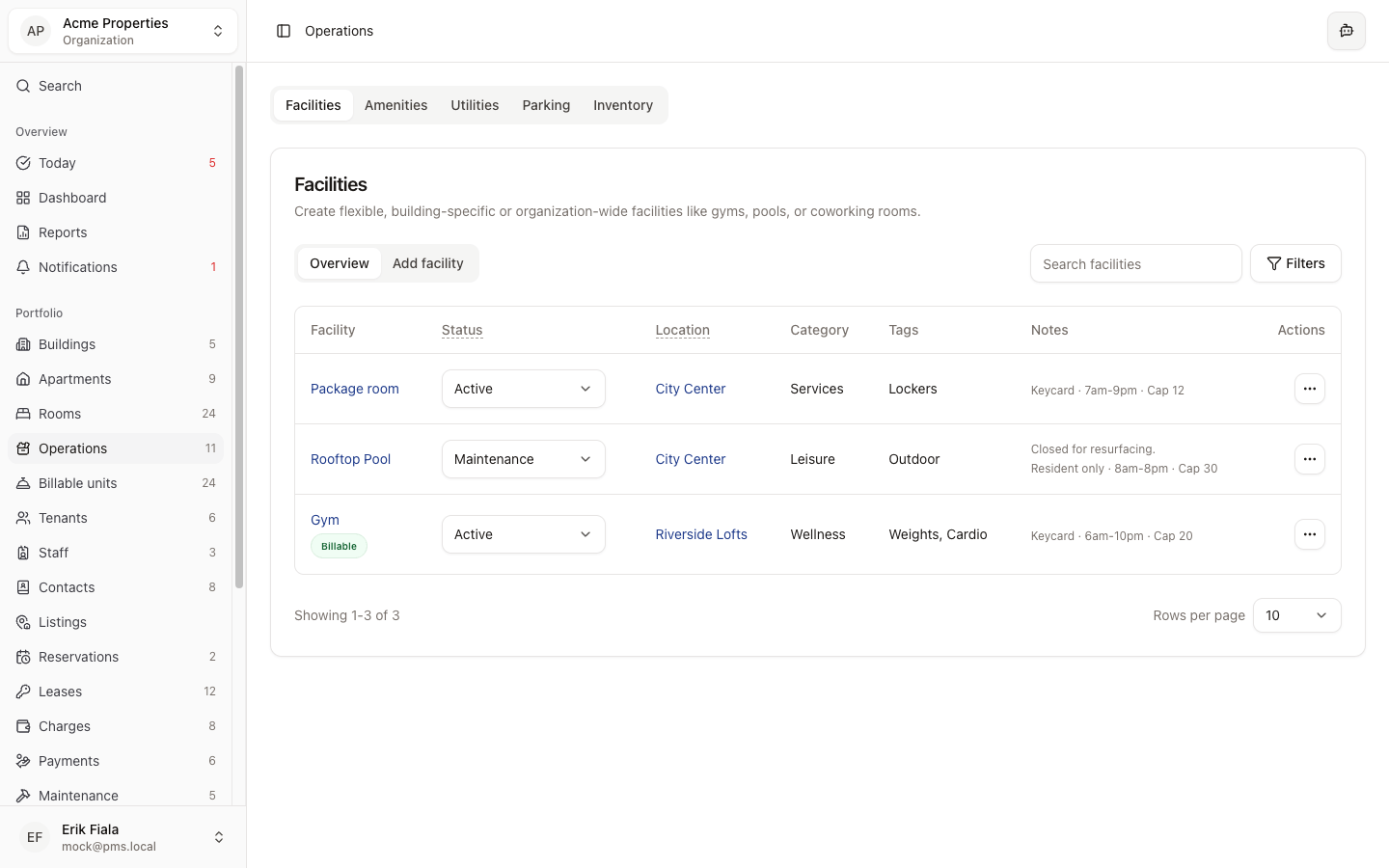
Connected areas inside Hausive
Utilities sits between the physical property record and the downstream finance workflow, so billing inputs stay explainable.
Billable units
Utility records can be connected to the items that ultimately drive billing.
Charges
Readings and utility inputs can flow into the billing workflow without leaving the record behind.
Financial records
Supporting documents and billing evidence stay easier to review later.
How teams usually run it
Teams register the utility point, log current readings, then pass those inputs into charges or financial review without rebuilding the trail.
Register the utility point
Create the record for the meter or utility point that belongs to the property.
Log readings and changes
Keep current readings and operational context attached as the property changes over time.
Pass the inputs downstream
Use the same utility record when finance needs to review, explain, or bill the usage.
What gets easier
Utility billing gets easier to trust when the readings and property context already live together.
Fewer missing readings
The utility trail is easier to maintain when it lives with the property record.
Cleaner billing prep
Finance inherits clearer source data instead of reconstructing it later.
Easier audit trail
When someone asks where the number came from, the record is already there.
Need cleaner utility inputs before billing?
We can show you how Utilities keeps readings and property context together before finance has to act on them.
More Operations modules
Facilities
Catalog shared spaces, service rooms, and site assets so every property has a cleaner operational record.
Amenities
Track amenity availability and resident-facing services from the same operating record as the rest of the property.
Parking
Track parking inventory, assignments, and status so the record stays tied to the property instead of scattered across messages.